
Clideo is a browser-based video toolkit that offers a collection of simple video editing tools — merge, compress, resize, crop, add subtitles, and more. It positions itself as an easy-to-use solution for people who need quick video edits without learning complex software.
Clideo's subtitle tool lets you either auto-generate captions using AI or manually add them to your video. The interface is straightforward: upload a video, generate or type subtitles, choose a basic style, and download. For users who need simple subtitles on occasional videos, Clideo gets the job done.
Clideo's Subtitle Limitations
As a general-purpose video toolkit, Clideo's subtitle capabilities are basic:
Limited language support. Clideo's auto-transcription covers major languages but falls well short of dedicated tools. Many users report accuracy issues with non-English audio.
Minimal styling options. You get basic font, color, and position settings — but no transition effects, no display modes (word-by-word, karaoke), and no advanced text rendering like shadows or outlines.
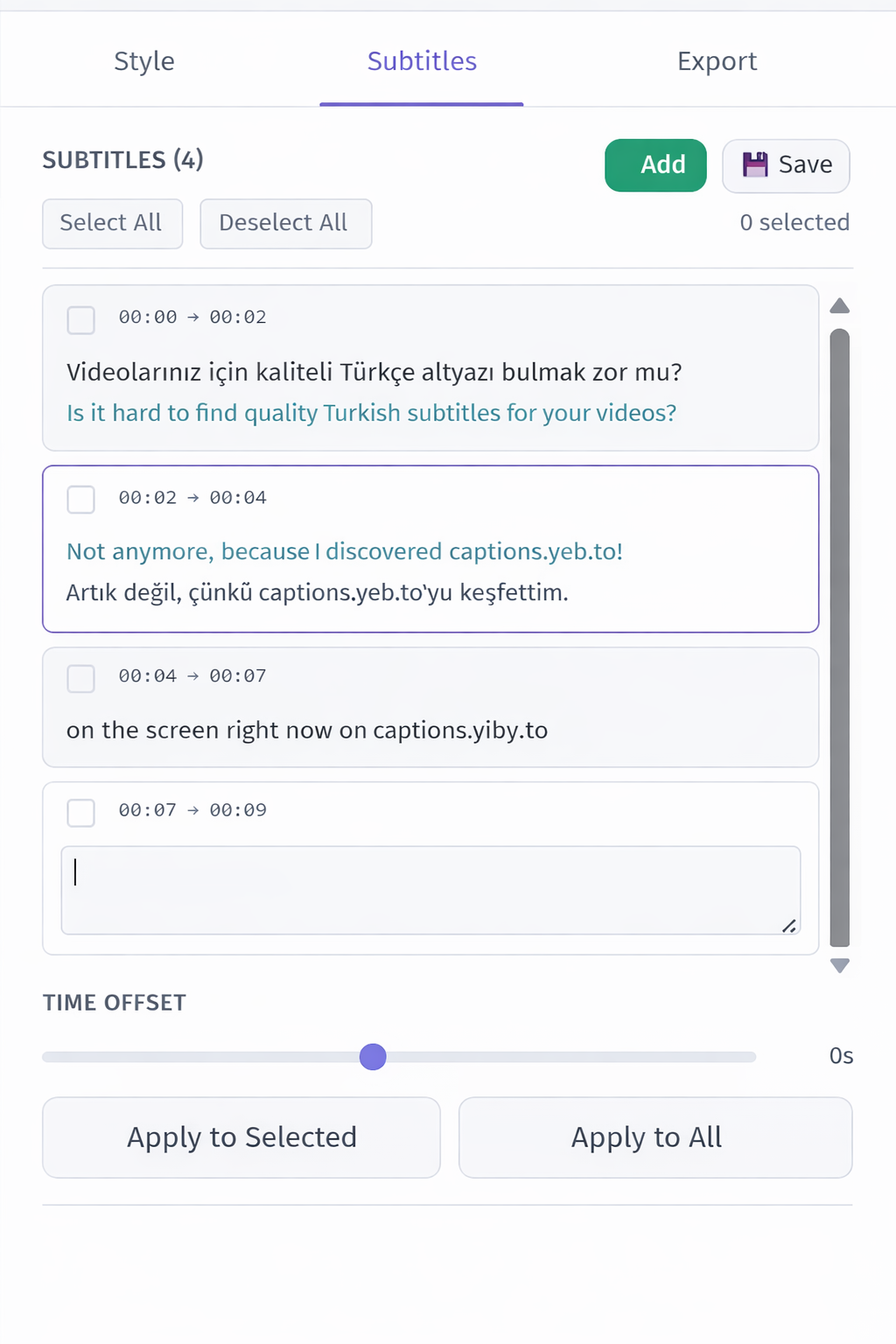
No bilingual display. Single language only, with no option to show translated subtitles alongside the original.
No vocal isolation. Raw audio is transcribed as-is, so background noise reduces accuracy.
No SRT export on free tier. Free users get watermarked video output only. Subtitle file exports require a Pro subscription at $9/month.
Watermark on free tier. All free exports include a Clideo watermark, pushing users toward the $9/month or $72/year subscription.
Processing speed can be slow. Users report that video processing and subtitle generation can take significantly longer than dedicated subtitle tools.
Why YEB Captions Is the Better Choice
YEB Captions is purpose-built for subtitle creation with every feature designed for quality:
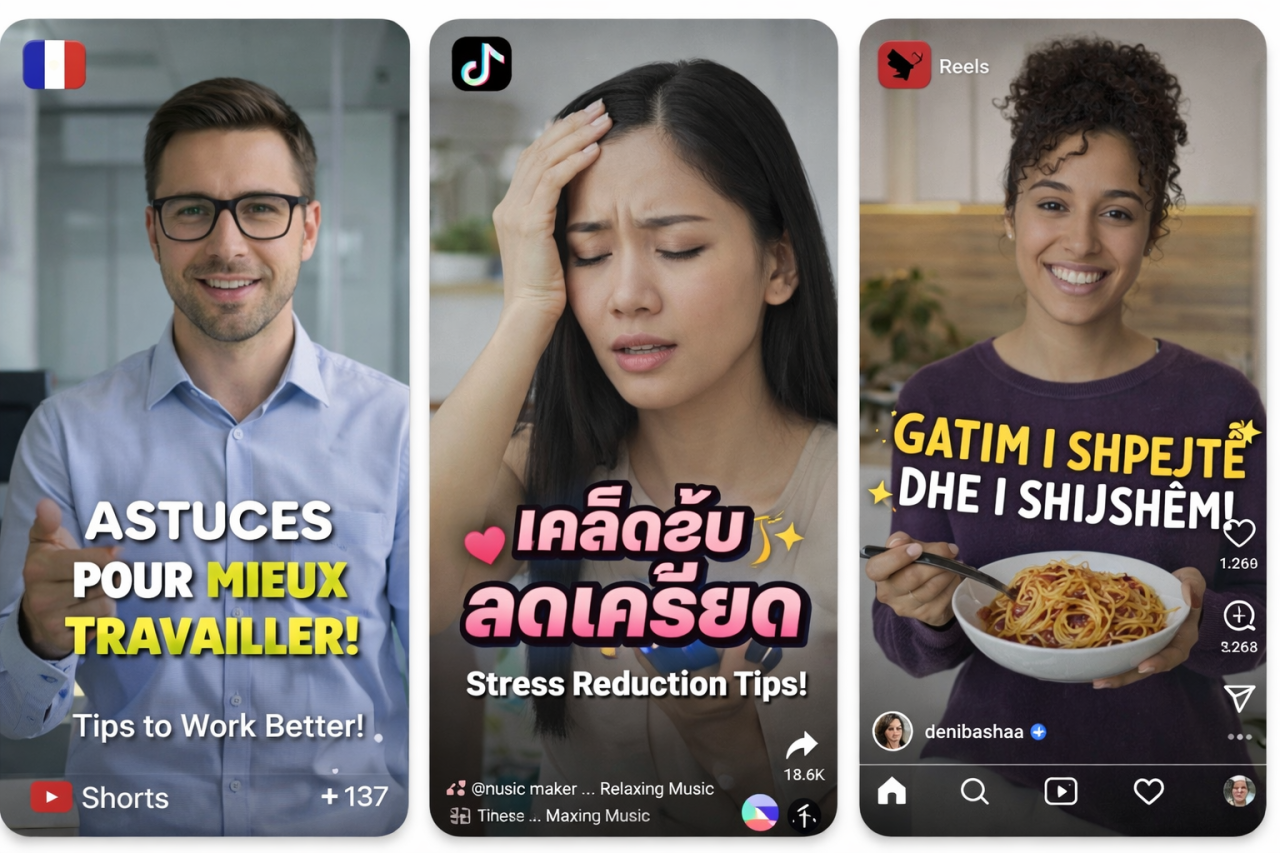
100+ languages with automatic detection and high accuracy across all supported languages.
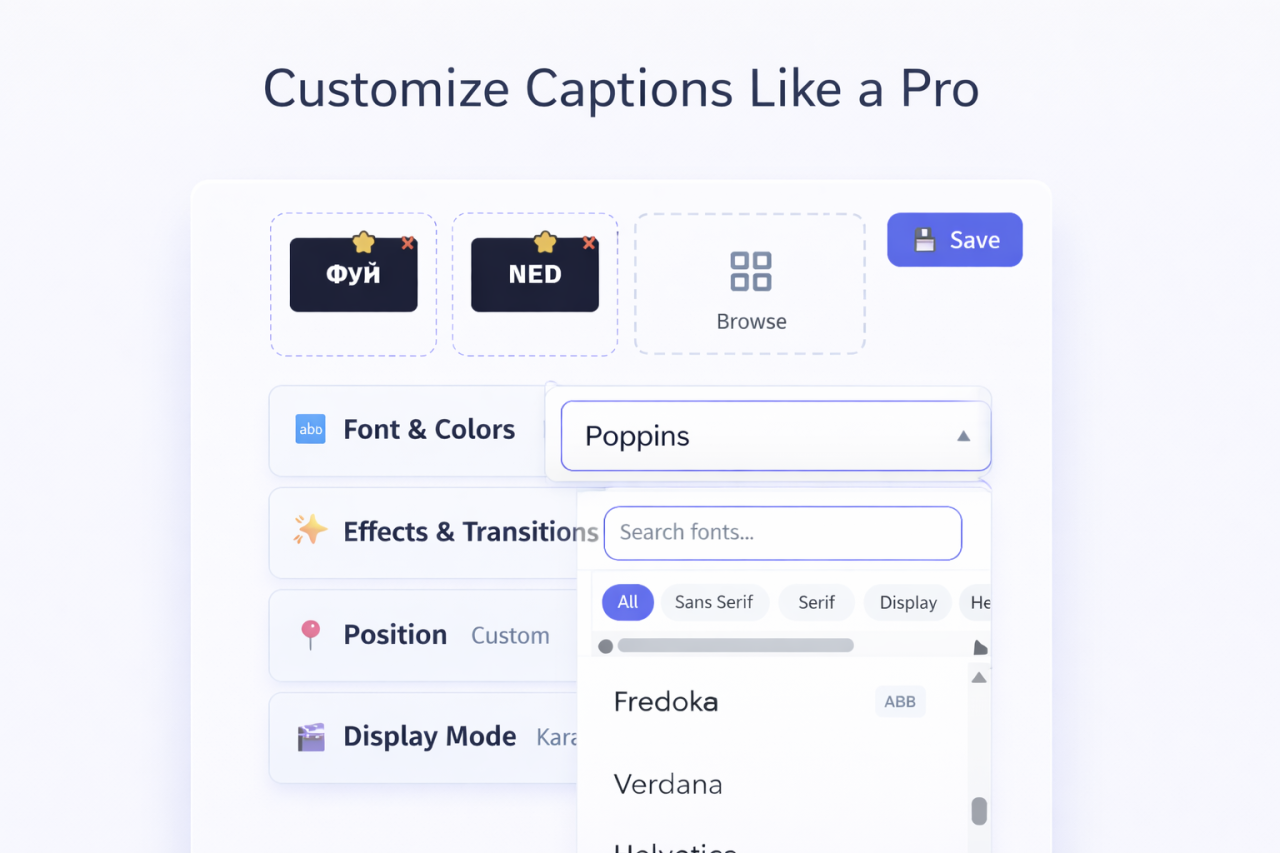
58 fonts across 5 categories with full customization — colors, shadows, outlines, backgrounds, positioning. Your subtitles look professional, not generic.
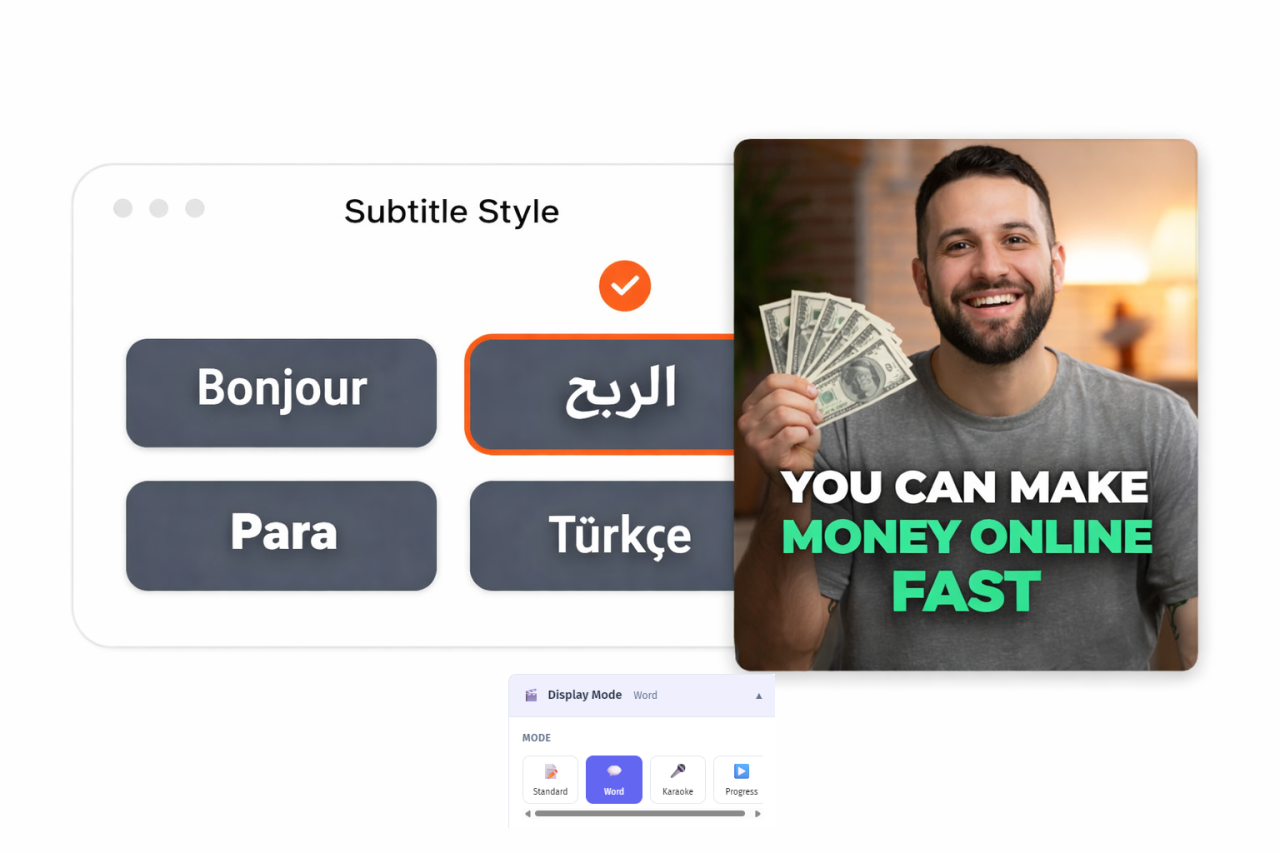
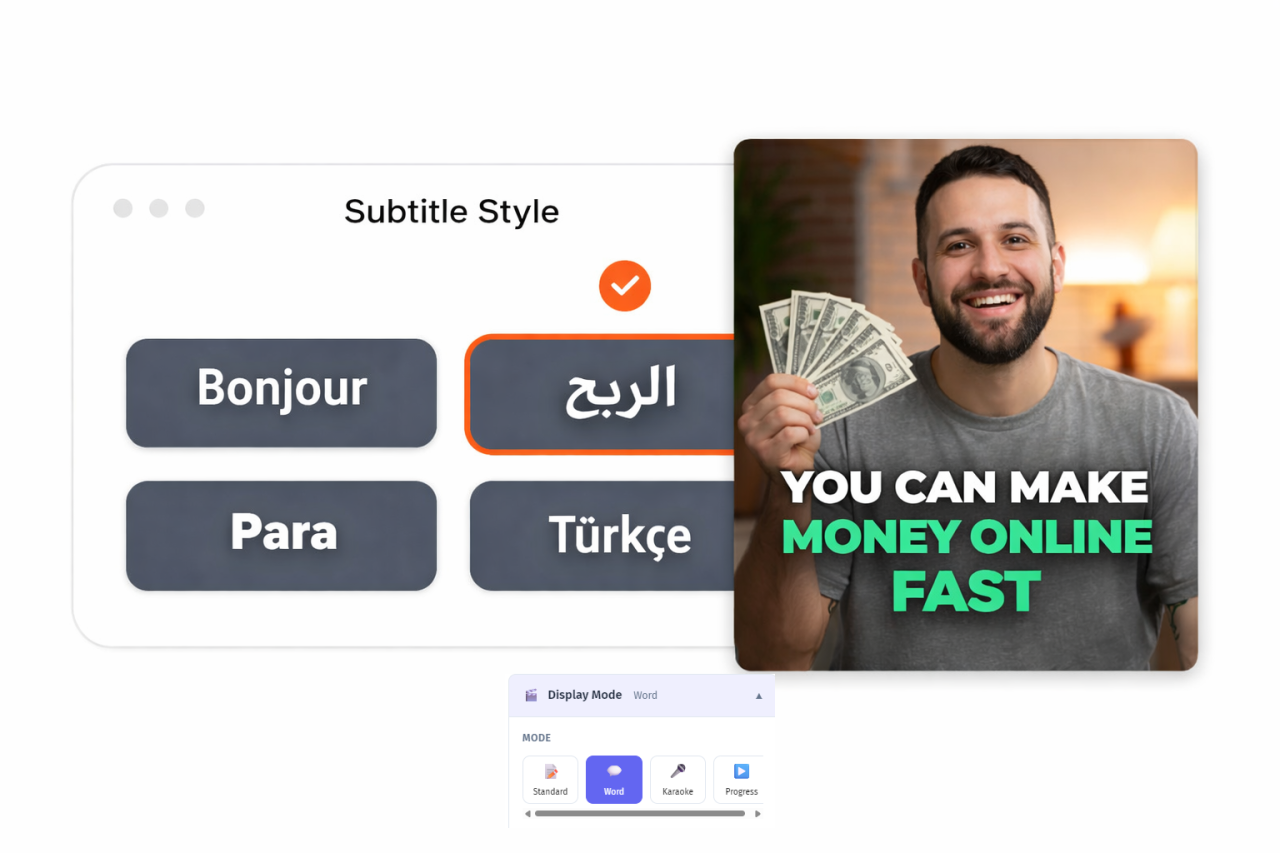
4 display modes — word-by-word, line-by-line, sentence, and karaoke. Each creates a different viewing experience.
16 transition effects — professional animations that make subtitles feel dynamic.
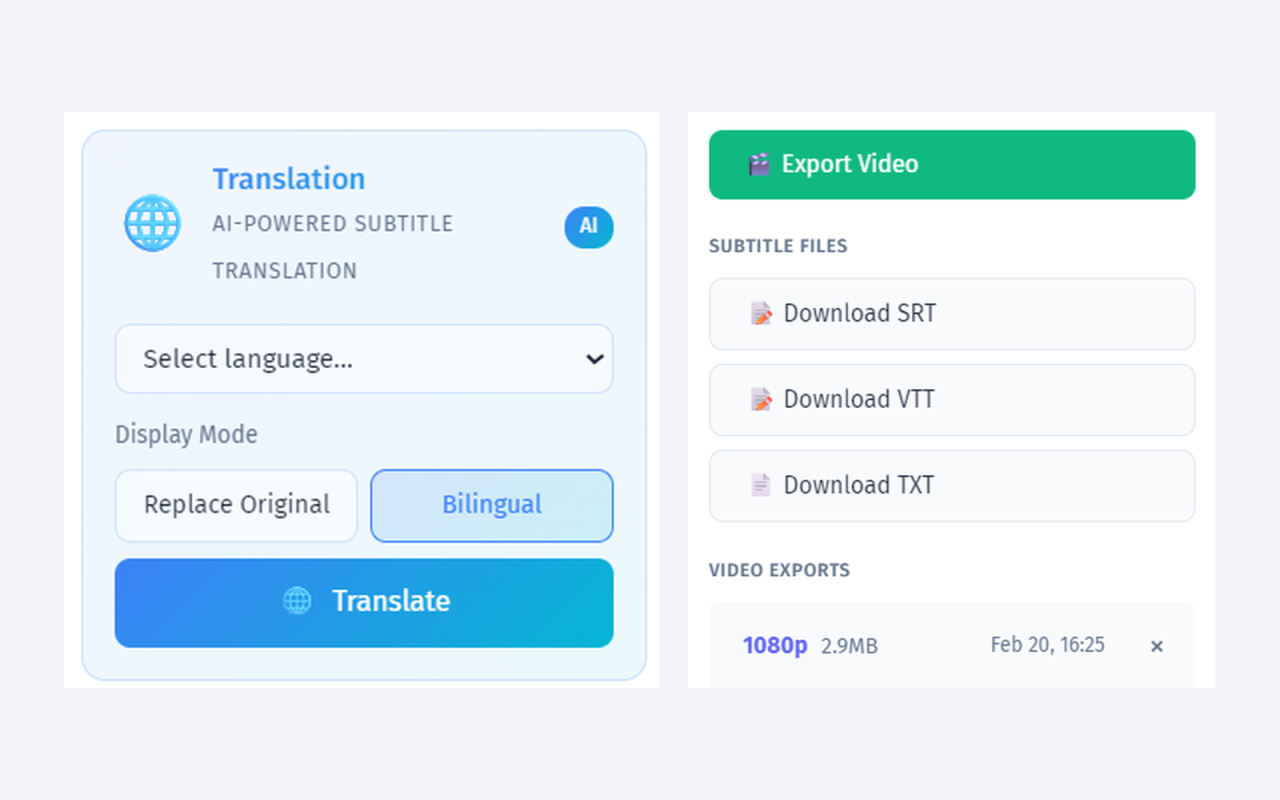
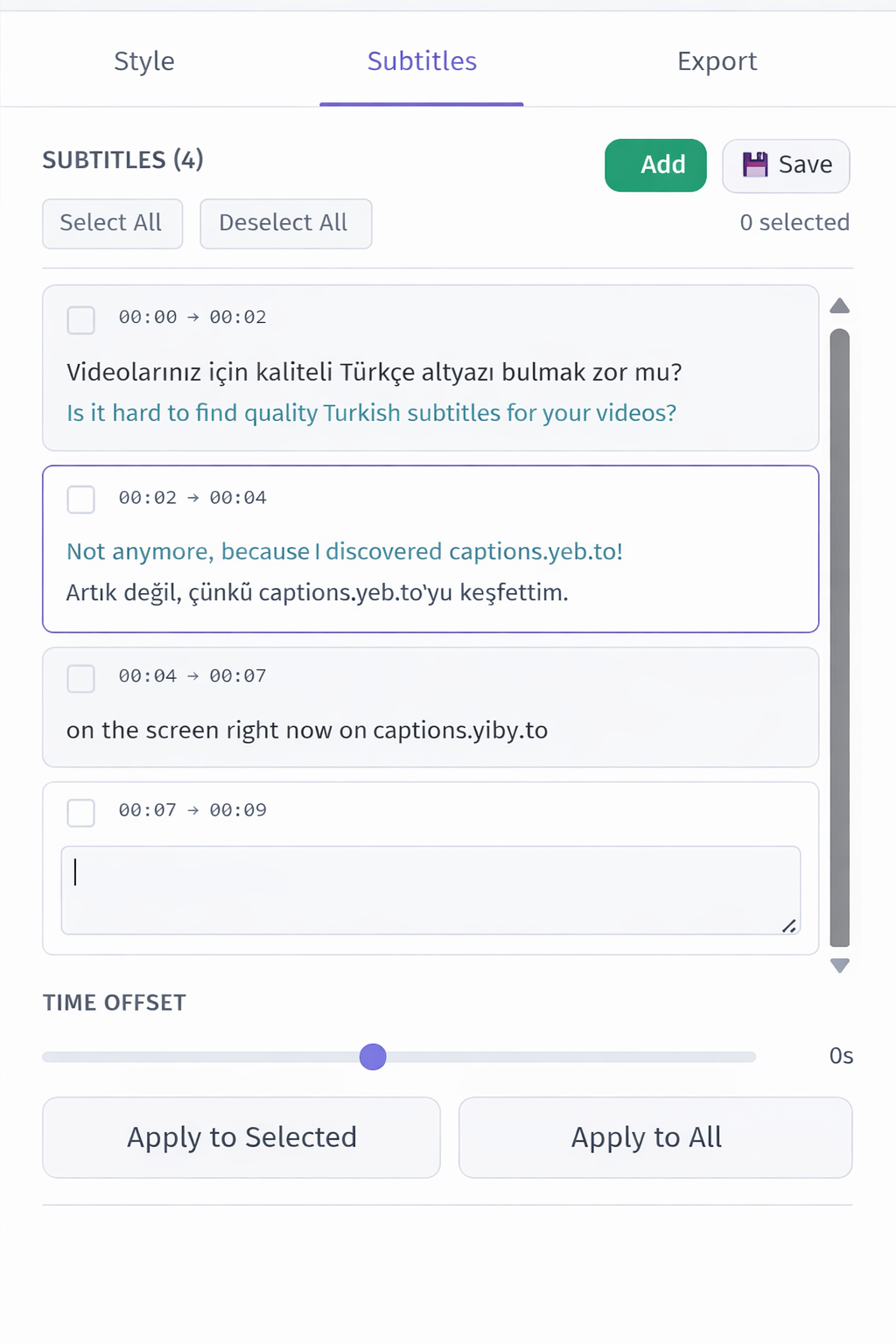
Bilingual subtitle display — two languages simultaneously with independent styling.
Vocal isolation — AI noise removal before transcription for significantly better accuracy.
Free SRT/VTT/TXT exports — always free, no subscription required. No watermark on any output.
Pay-per-use at ~$0.04/min — a 10-minute video costs about $0.80. No monthly subscription, no watermark.
Who Should Switch from Clideo to YEB?
- Anyone frustrated with Clideo's accuracy — YEB's vocal isolation dramatically improves results
- Creators needing more languages — 100+ vs Clideo's limited selection
- Users who need SRT/VTT files without paying a monthly subscription
- Anyone who wants professional subtitle styling beyond basic fonts and colors
- Budget-conscious creators who want no watermark without a monthly fee