
Descript has genuinely reinvented video editing. Its core innovation — editing video by editing text — is brilliant. You transcribe your video, then cut, rearrange, and polish it by manipulating the transcript. Add in AI-powered filler word removal, eye contact correction, Studio Sound noise reduction, and automatic chapter markers, and you have a tool that feels like it's from the future.
For podcasters, interview-based content creators, and anyone who produces long-form talking-head videos, Descript's text-based editing paradigm is transformative. It fundamentally changes how you interact with video content.
Descript's Subtitle Paradox
Here's the paradox: despite having excellent AI transcription at its core, Descript's subtitle styling and export capabilities are surprisingly basic. The tool was designed for editing, not for producing visually polished captions.
Language support is limited to 23 languages. Descript's transcription engine is optimized primarily for English, with functional support for other major European and Asian languages. But 23 languages is a fraction of what global creators need. There's no support for many African, Southeast Asian, or Central Asian languages.
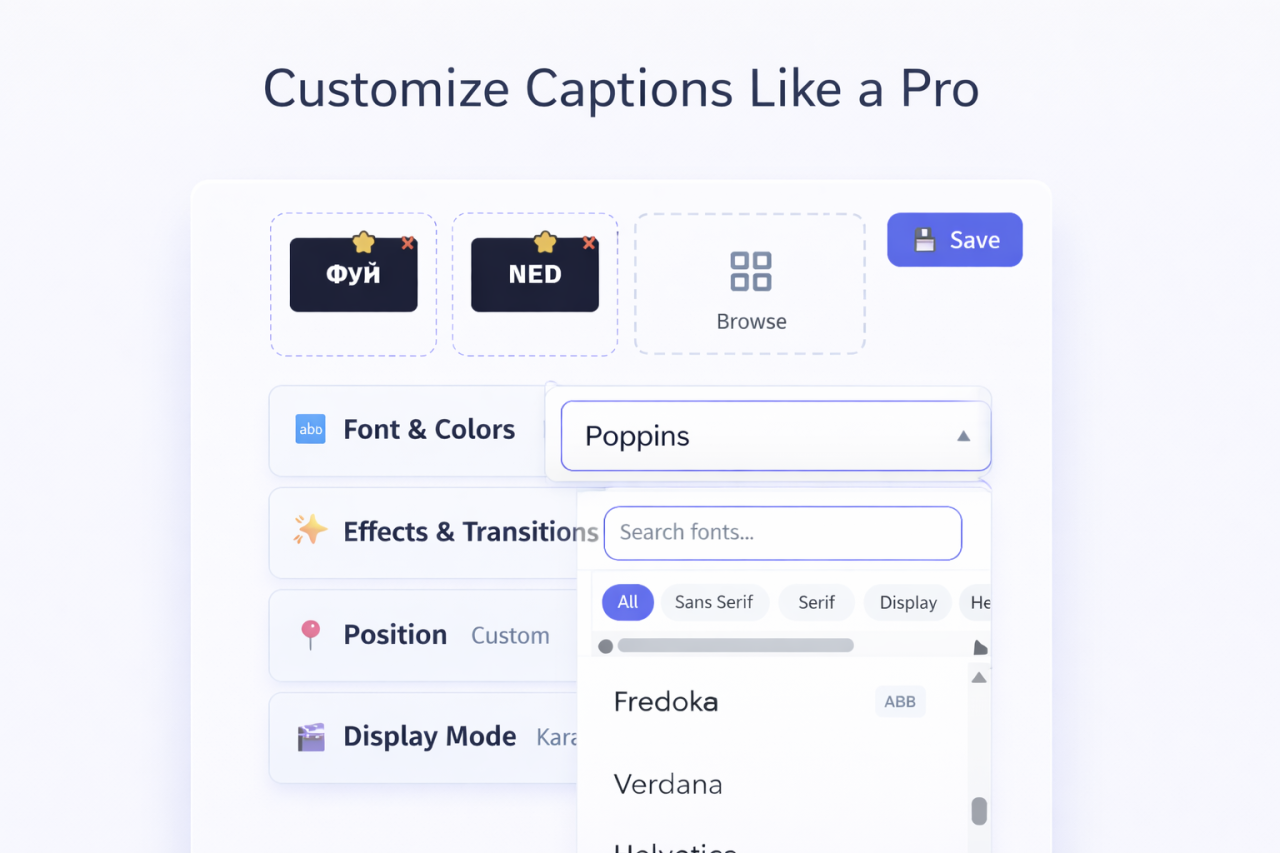
Subtitle styling is minimal. You get standard font options, basic color controls, and simple positioning. There are no transition effects, no display mode options (word-by-word, karaoke, etc.), and no advanced text rendering features. The subtitles look... adequate. Not impressive.
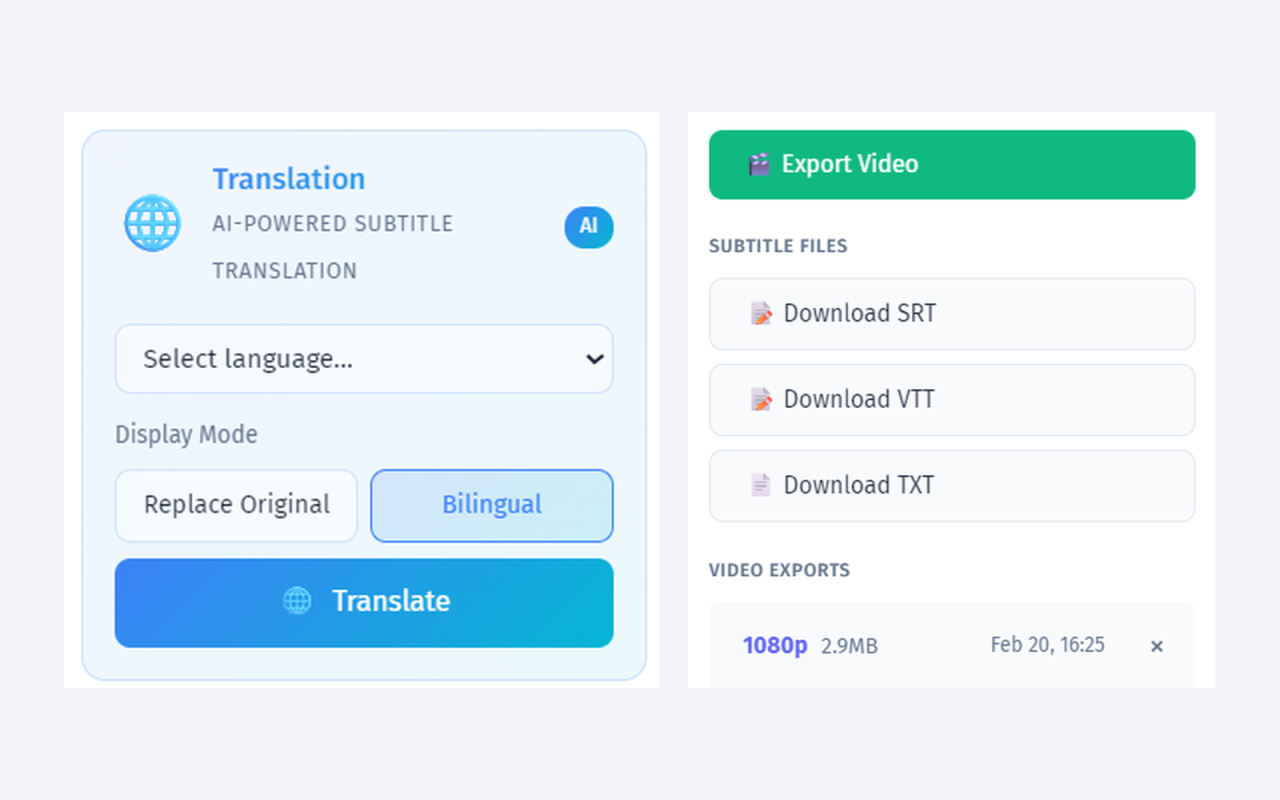
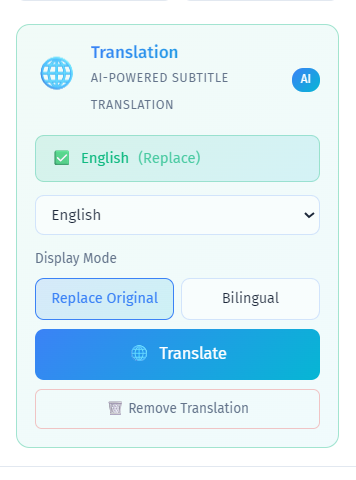
No bilingual subtitle display. Descript can translate your transcript, but it cannot display two languages simultaneously. For international content or language education, this is a missing feature.
Subtitle export is limited on lower plans. While Descript can export SRT files, the full export capabilities are reserved for paid plans starting at $24/month (Hobbyist) or $33/month (Pro).
The irony is that Descript users often have great transcriptions but lackluster subtitle output. The tool excels at understanding speech but under-delivers on presenting it beautifully.
Why Subtitle Specialists Beat General Editors
Descript is a Swiss Army knife for audio/video production. YEB Captions is a scalpel for subtitles. The specialist tool wins convincingly in its domain:
100+ languages vs 23. YEB supports more than 4x the languages, with automatic detection for mixed-language content. For anyone creating non-English content, this isn't a marginal improvement — it's the difference between supported and unsupported.
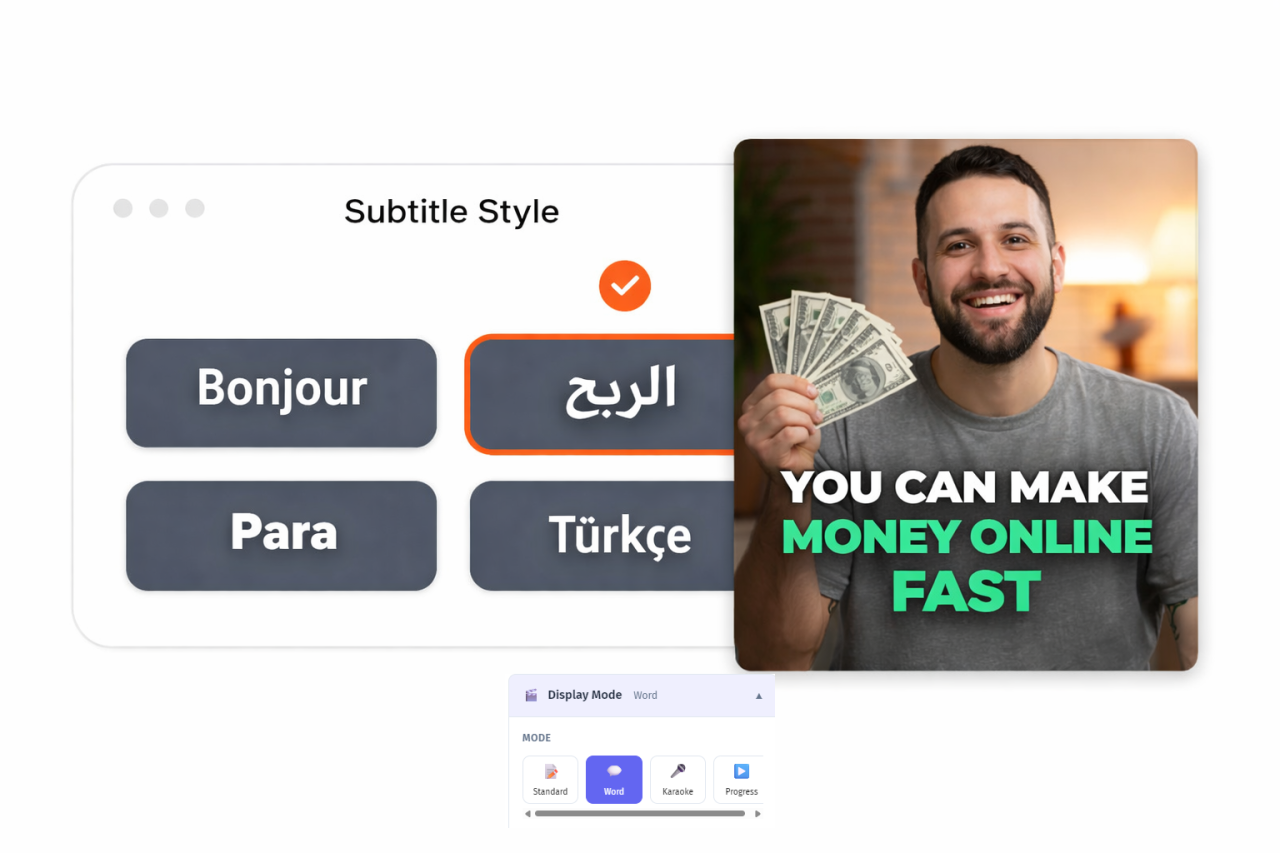
58 fonts in 5 categories vs standard fonts. YEB's font library includes Modern, Classic, Decorative, Handwritten, and Monospace categories, all optimized for video overlay readability. Full Cyrillic and CJK support means your subtitles look native in any script.
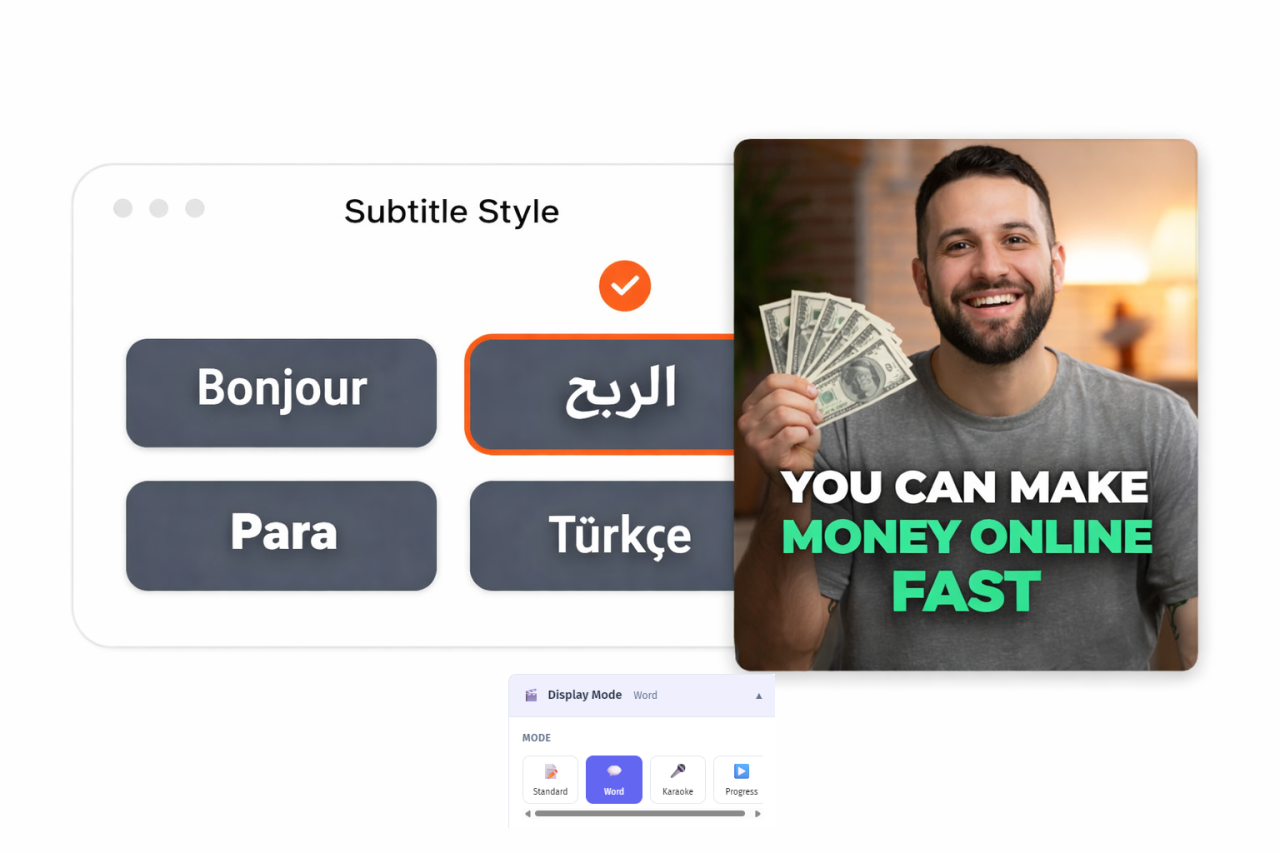
4 display modes vs 1. Word-by-word highlighting, line-by-line, sentence, and karaoke mode. Each transforms how your captions feel. Descript offers basic block captions only.
16 transition effects vs none. Fade, slide, bounce, typewriter, pop — these animations make subtitles feel dynamic and engaging. Descript captions simply appear and disappear.
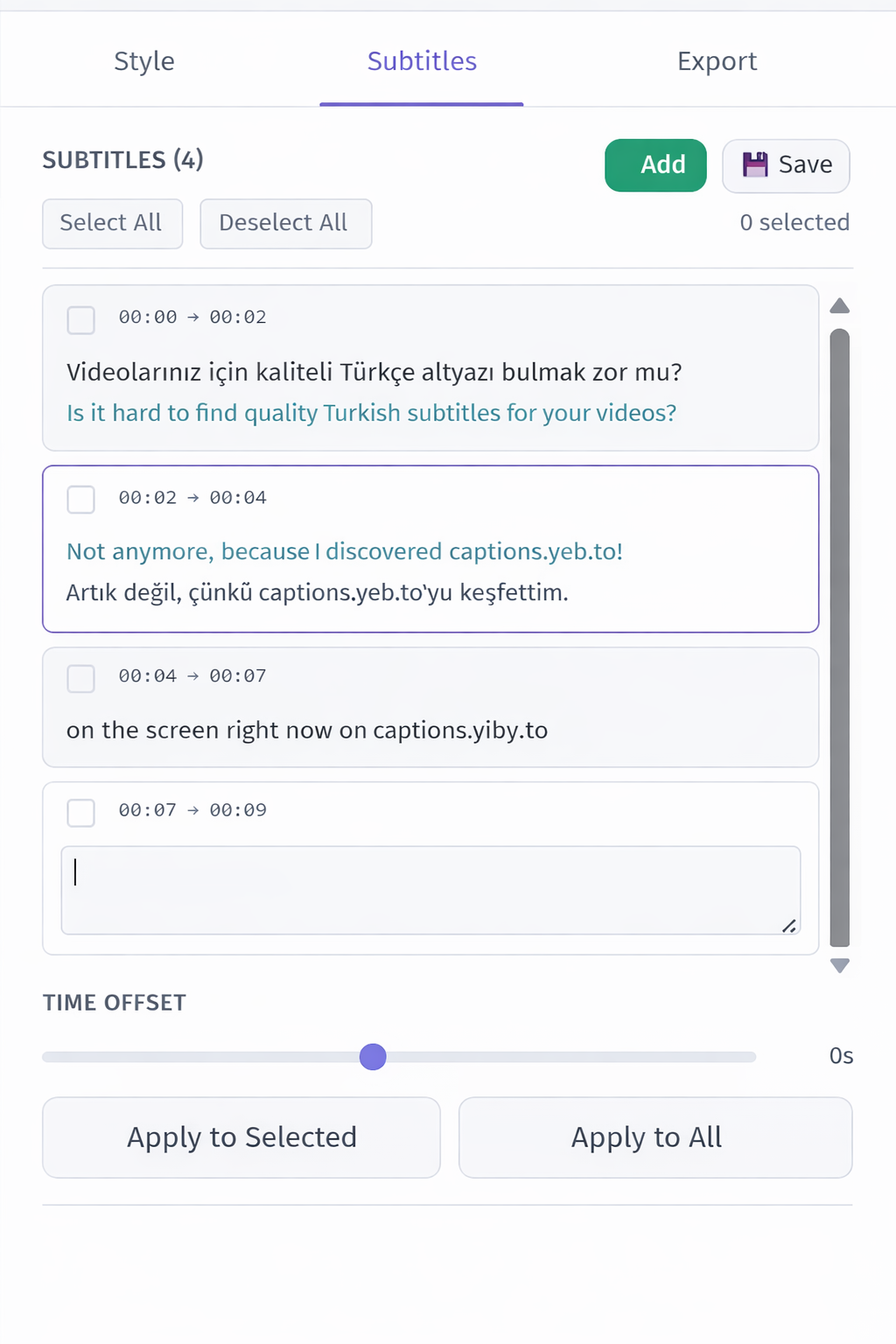
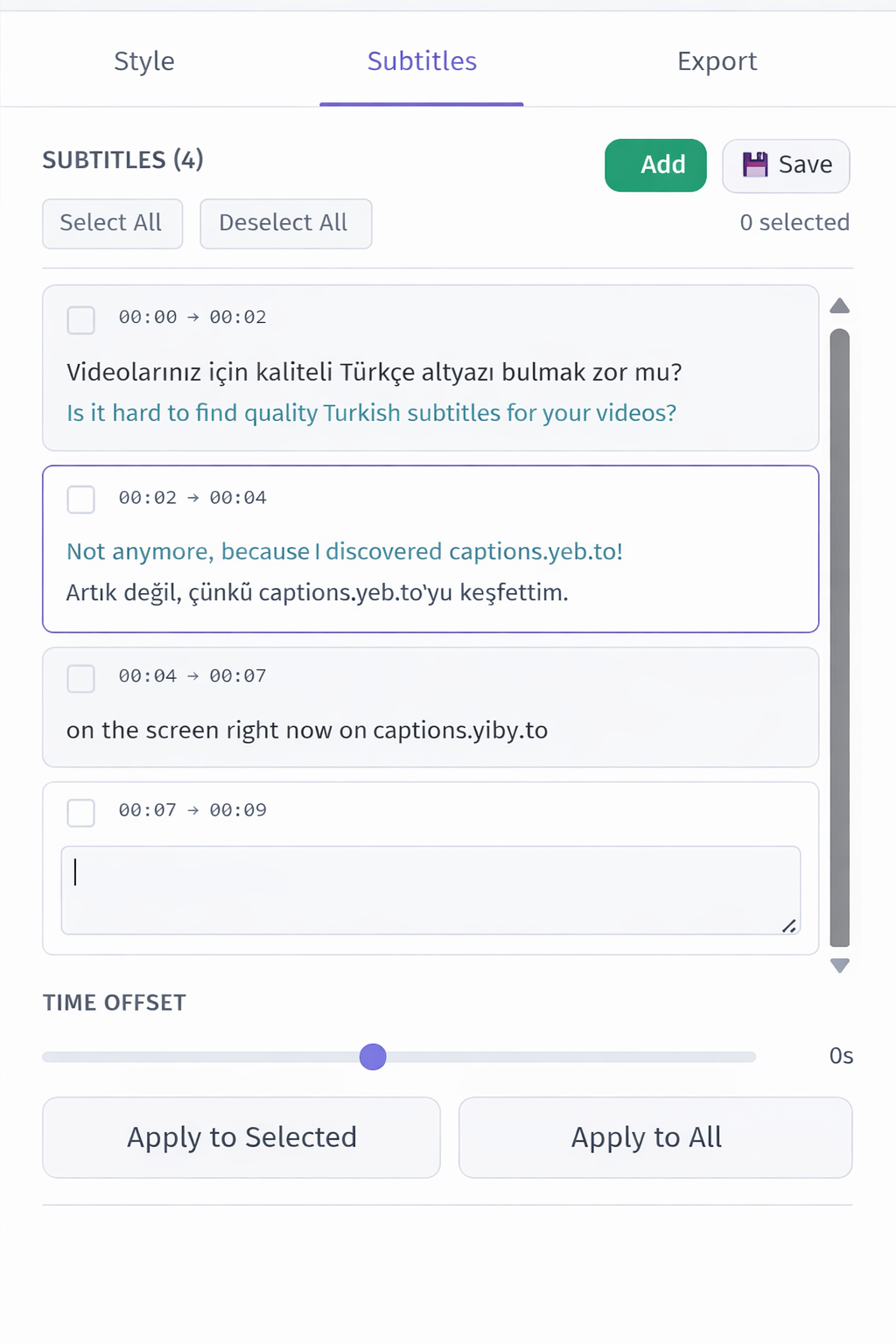
Bilingual display vs single language. YEB shows two languages simultaneously with independent styling for each. This feature alone makes YEB essential for bilingual content, language education, and international accessibility.
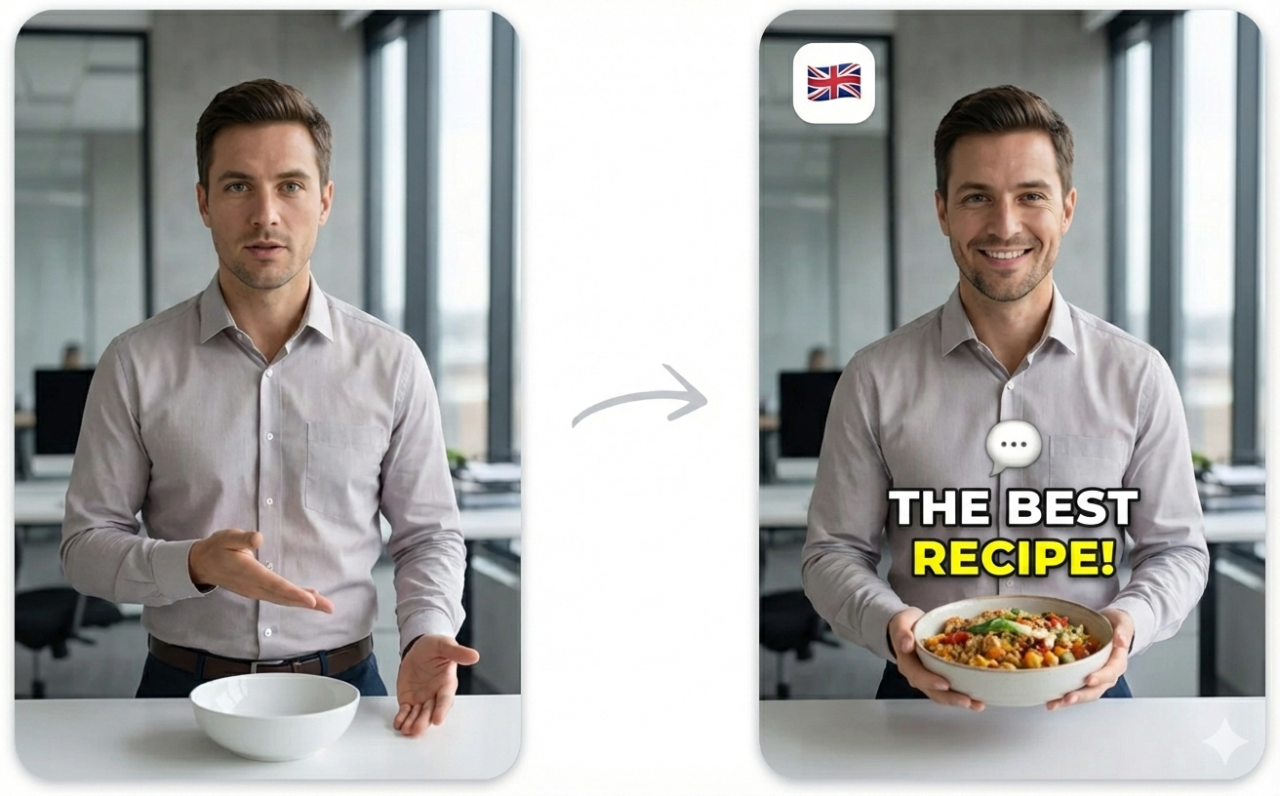
AI emojis and keyword emphasis. Context-aware emoji insertion and intelligent word highlighting add visual energy to your captions. Descript offers nothing comparable.
Where Descript Still Wins
Let's be fair about Descript's genuine strengths:
- Text-based editing — editing video by editing text is revolutionary and YEB doesn't offer it
- Filler word removal — automatically removes "um", "uh", "you know" from your video
- Eye contact correction — AI adjusts speaker gaze to appear as if they're looking at the camera
- Studio Sound — impressive AI noise reduction that cleans up audio quality
- Screen recording — built-in recording with transcription
These are powerful features that serve a different purpose than subtitle creation. Descript helps you produce video content. YEB Captions helps you caption it professionally.
The Cost Comparison
Descript's pricing reflects its positioning as a full production tool:
| Plan | Price | Note |
|---|---|---|
| Descript Free | $0 | 1 hr transcription, watermark |
| Descript Hobbyist | $24/mo | 10 hrs transcription |
| Descript Pro | $33/mo | 30 hrs transcription |
YEB Captions charges ~$0.04/minute ($2.40/hour) with no subscription. Processing the same 10 hours that Descript Hobbyist includes would cost $24 on YEB — the same monthly price, but without the commitment of a subscription. And YEB's subtitle output will look significantly more polished.
For users who need Descript's editing features AND great subtitles, the best approach is often to use both: edit in Descript, then export the video and run it through YEB Captions for professional subtitle styling. Export the SRT for free from YEB if you want to keep a subtitle file.
Who Should Consider YEB Over Descript?
- Creators in languages Descript doesn't support (77+ additional languages available)
- Anyone who needs polished subtitle styling — not just functional captions
- Bilingual content creators who need two languages displayed simultaneously
- Budget-conscious users who only need subtitles, not full video editing — why pay $24-33/month?
- Teams creating accessible content where subtitle quality directly impacts viewer experience
- Creators with noisy recordings who benefit from YEB's vocal isolation (comparable to Descript's Studio Sound, but applied specifically to improve transcription accuracy)