Canva has evolved from a graphic design tool into a comprehensive content creation platform. Its video editor now includes auto-generated subtitles, making it a convenient option for the millions of users already creating social media graphics, presentations, and marketing materials in Canva.
For Canva users, the appeal is obvious: add subtitles to videos without leaving the platform you already use for everything else. The auto-caption feature supports around 18 languages, integrates with Canva's template library, and works within the familiar drag-and-drop interface.
Why Canva's Subtitles Are Limited
Canva is a design tool that happens to have subtitles — not a subtitle tool. The difference shows:
Only 18 languages supported. Canva's auto-caption feature covers English and major European languages, but the list is strikingly short compared to dedicated tools. No Arabic, no Hindi, no Thai, no Vietnamese, no Korean — languages spoken by billions of people.
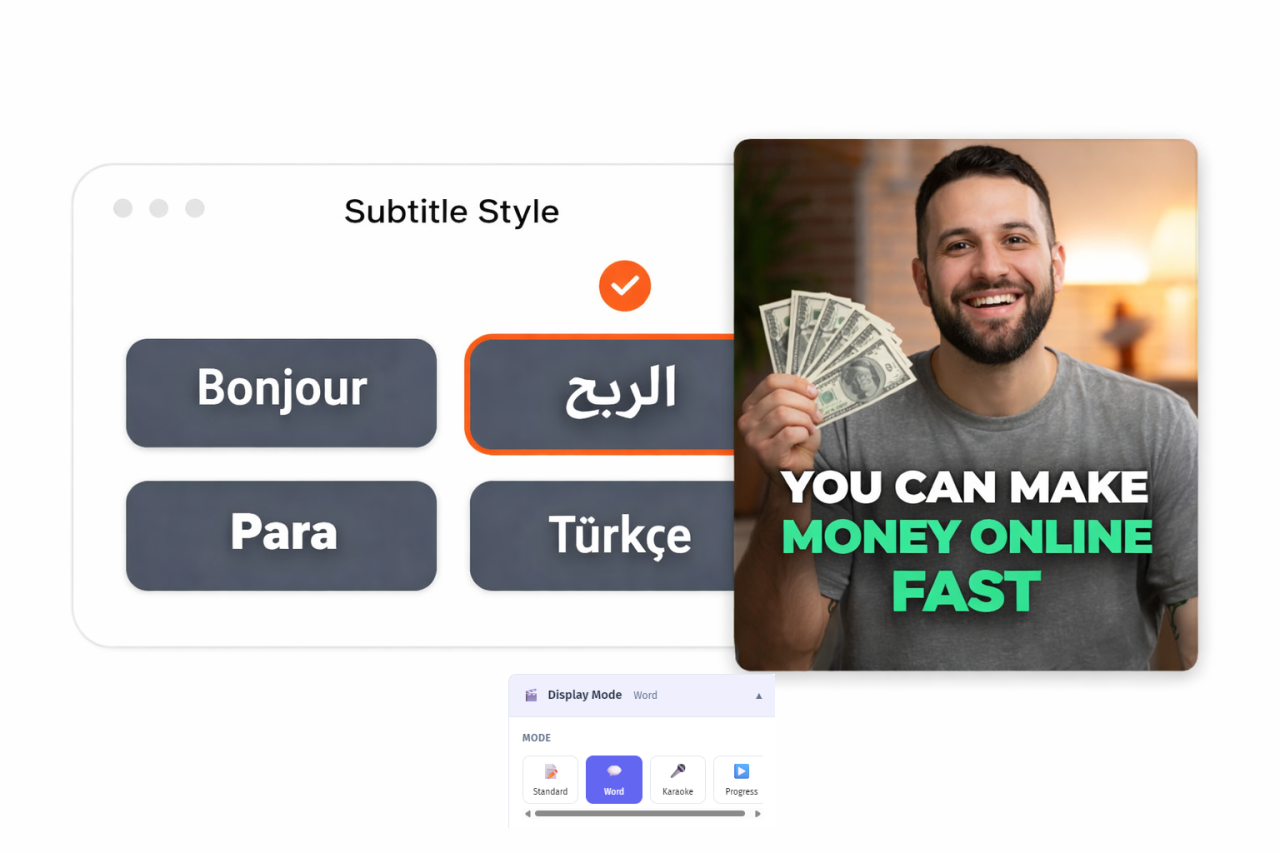
Basic subtitle styling. While Canva excels at graphic design, its subtitle styling options are surprisingly limited. You get a handful of caption styles with minimal customization. No transition effects between segments, no word-by-word highlighting, no karaoke mode.
No bilingual display. Canva only supports one subtitle language per video. For international content creators, this is a significant gap.
No vocal isolation. Transcription accuracy drops on videos with background music or ambient noise. Canva transcribes the raw audio without any preprocessing.
No subtitle file export. Canva generates captions as part of the video — you can't export SRT, VTT, or TXT files for use on YouTube, Vimeo, or other platforms.
Canva Pro required for full features. The free tier has limited subtitle functionality. Canva Pro costs $12.99/month ($119.99/year), and you're paying for the entire design suite — not just subtitles. If subtitles are your primary need, that's a lot of overhead.
Transcription accuracy is mediocre. User reviews consistently note that Canva's auto-captions require significant manual correction, especially for non-English content or audio with any background noise.
YEB Captions: Built for Subtitles
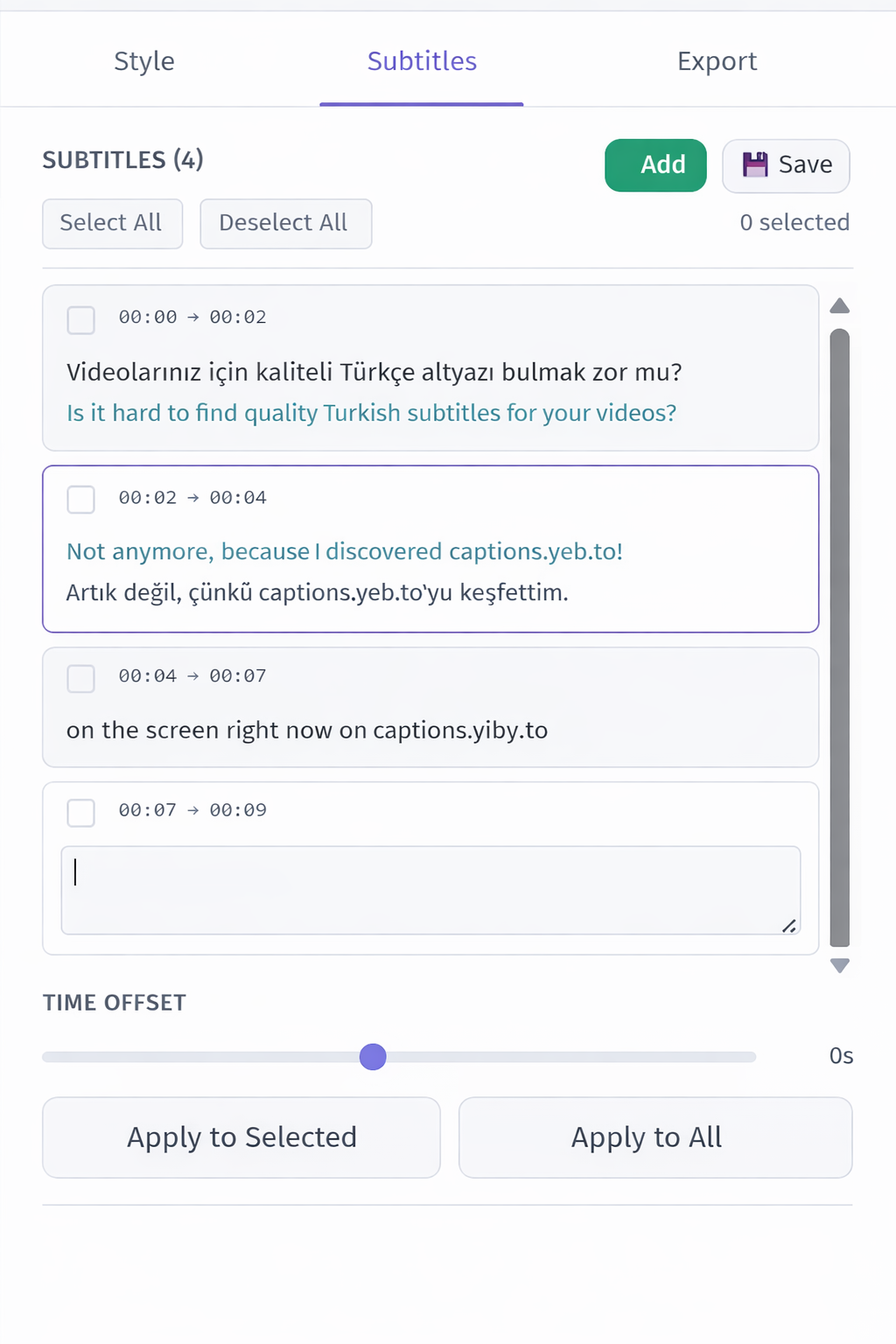
Where Canva treats subtitles as an add-on feature, YEB Captions is built from the ground up for one purpose — making your video subtitles look and sound perfect:
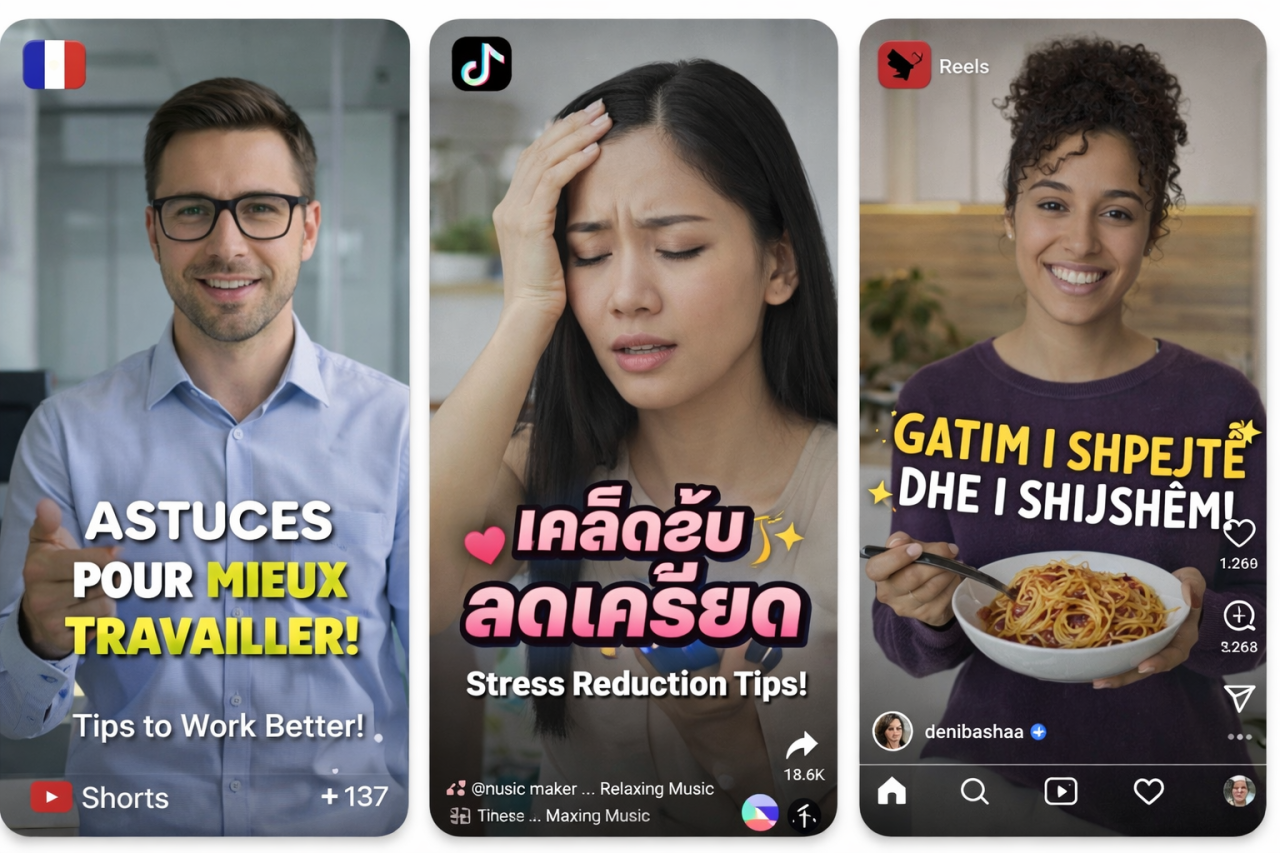
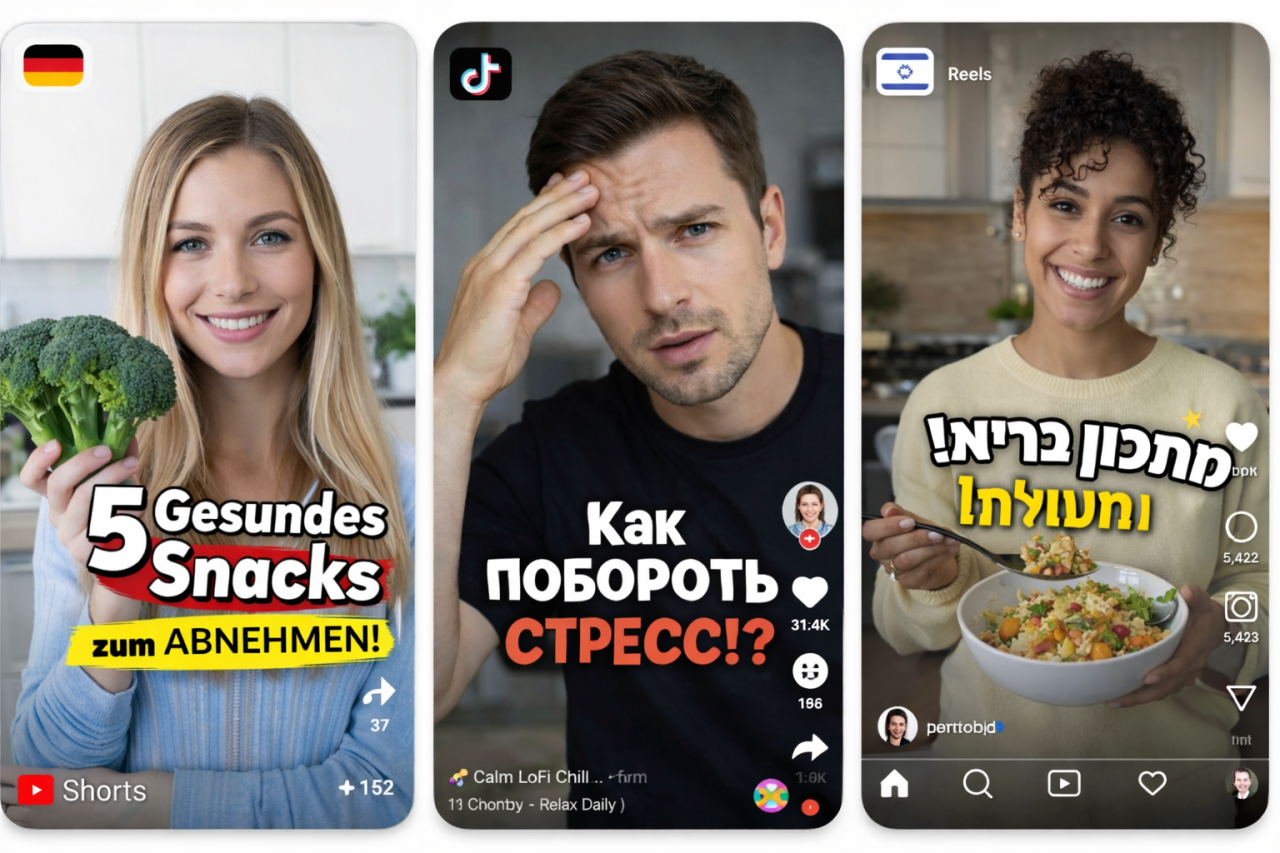
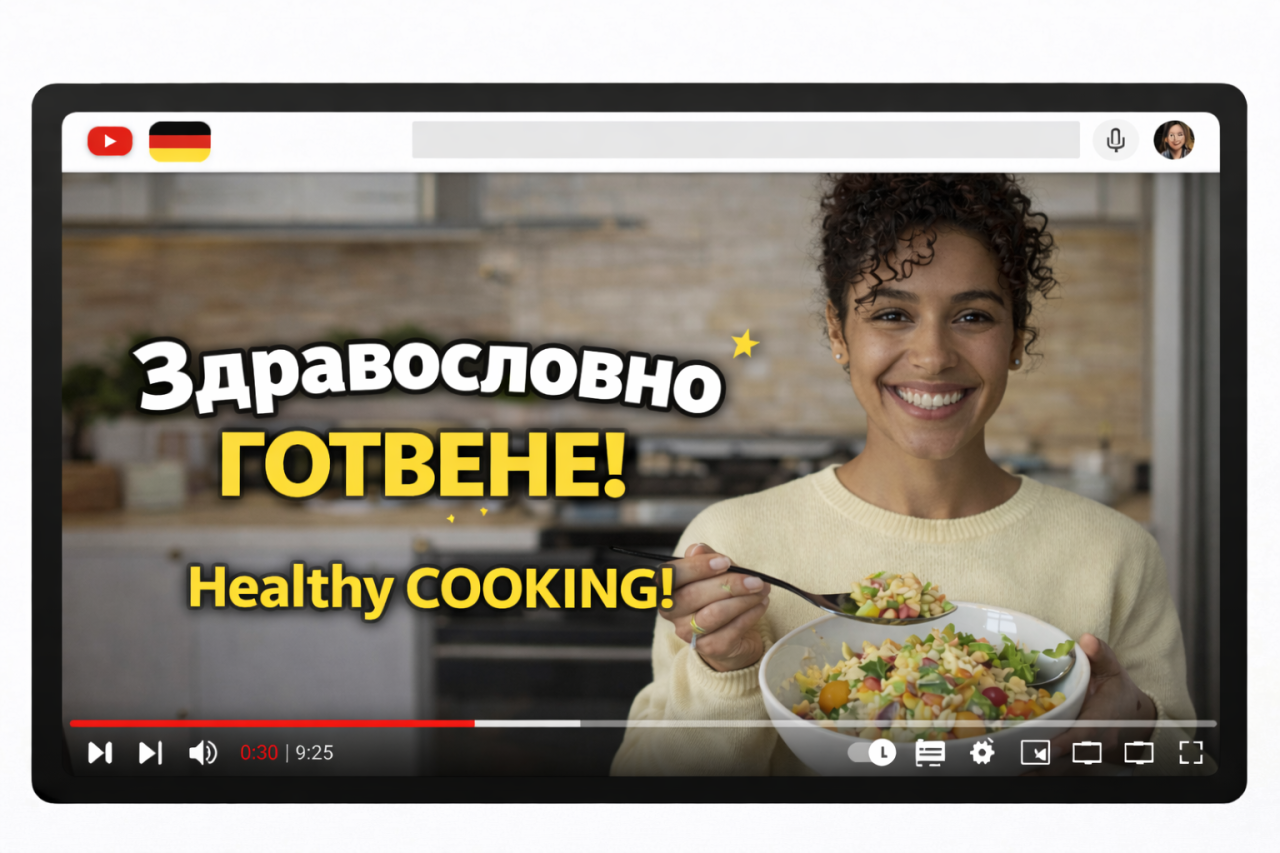
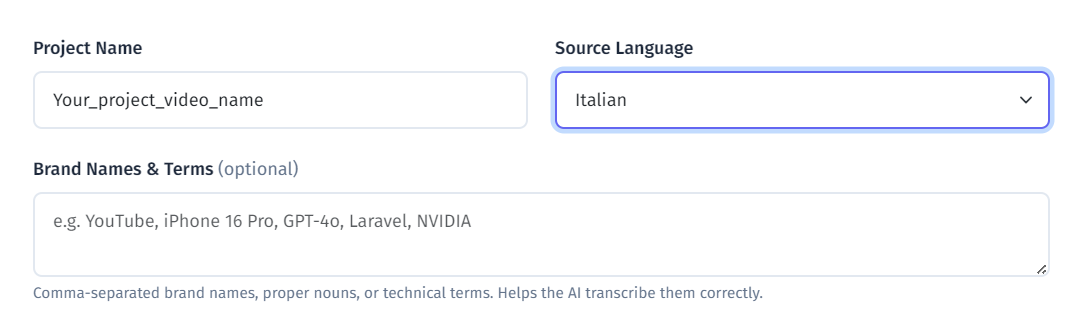
100+ languages with automatic detection. Whether your audience is in São Paulo, Jakarta, Cairo, or Seoul, YEB has you covered. That's 5x more languages than Canva.
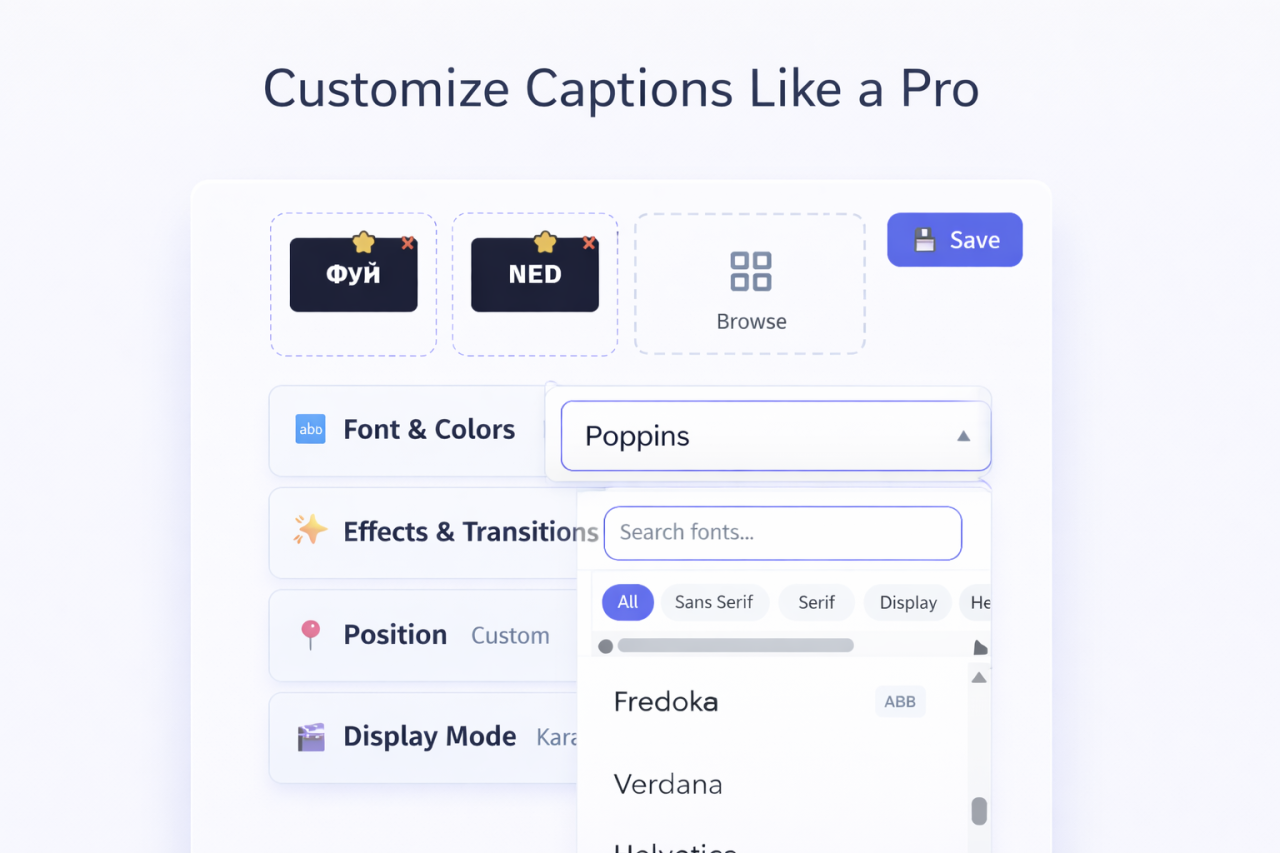
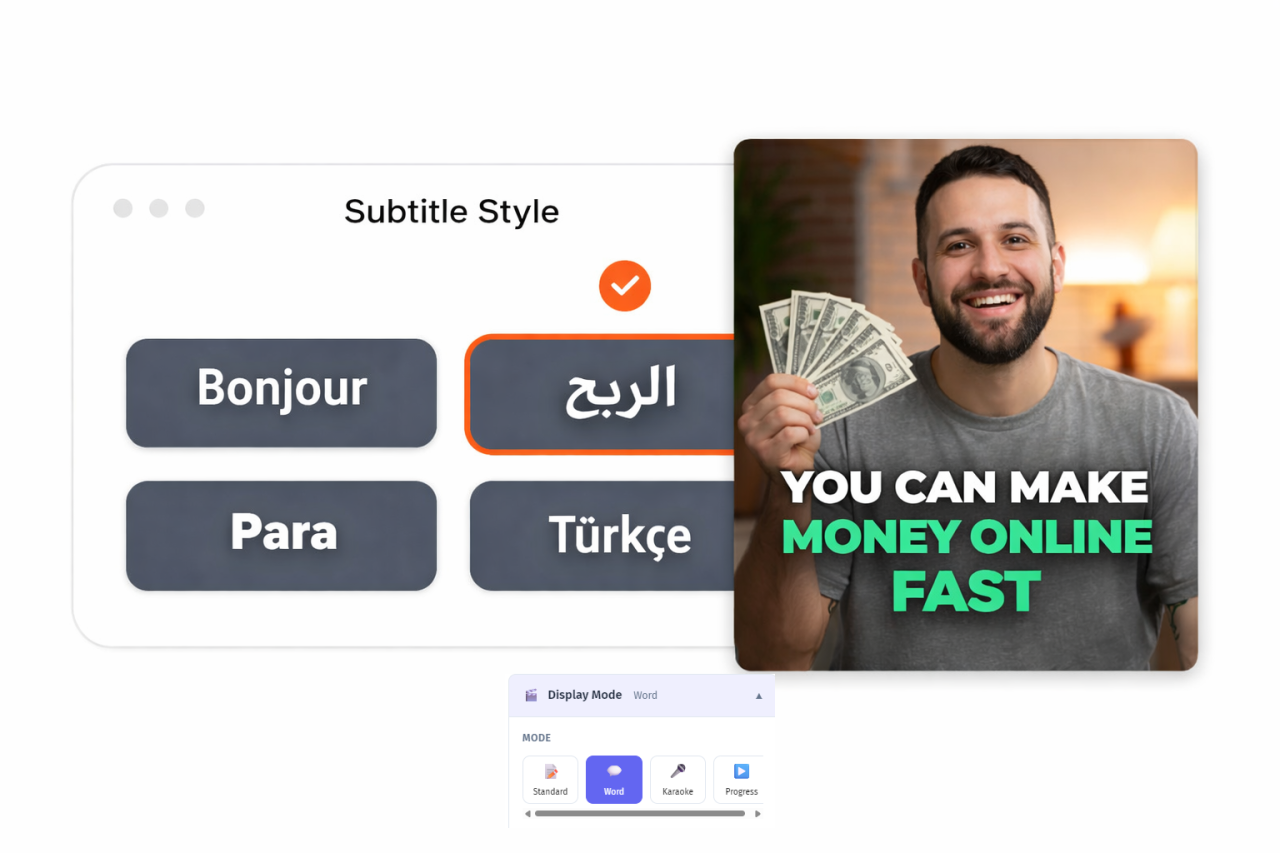
58 fonts in 5 categories — Modern, Classic, Decorative, Handwritten, Monospace. Full control over size, color, shadow, outline, background, and position. Your subtitles match your brand, not a generic template.
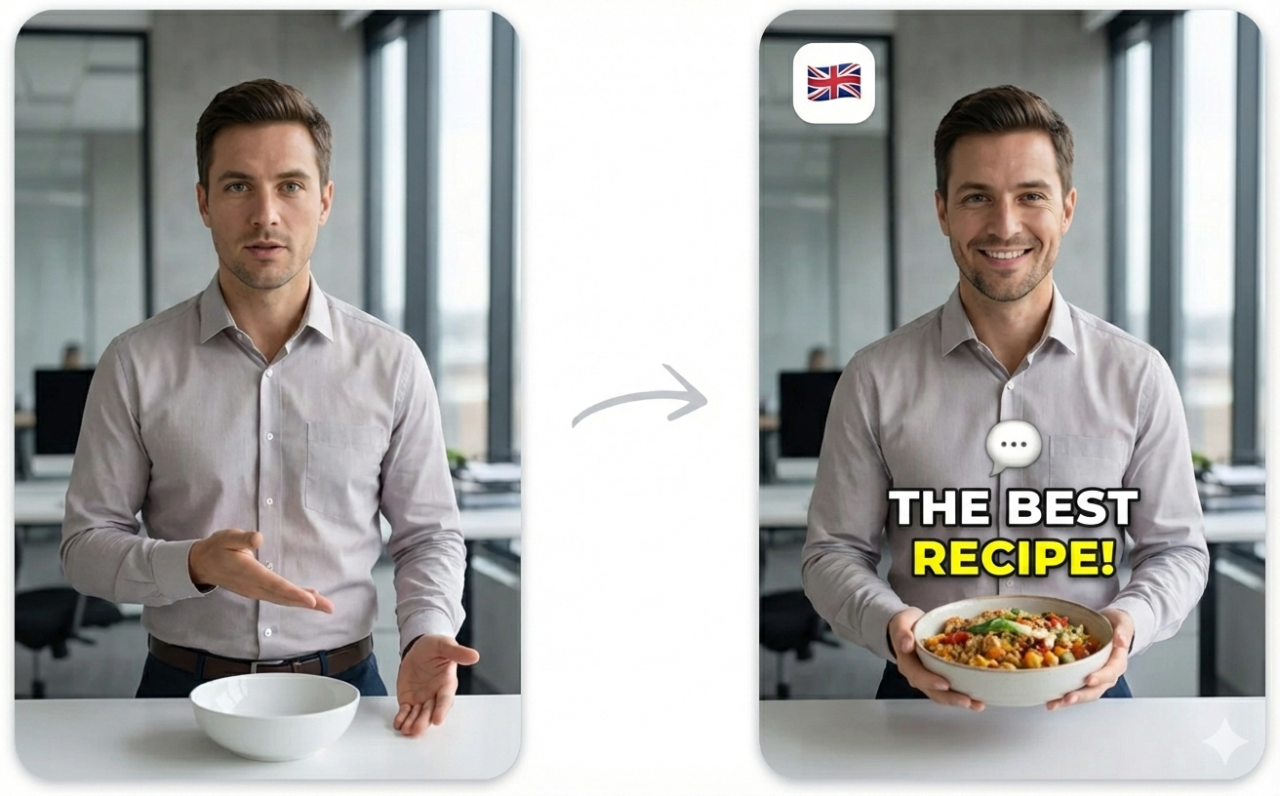
4 display modes — word-by-word highlighting (the trending TikTok style), line-by-line, sentence, and karaoke. Canva offers only basic line-by-line.
16 transition effects — smooth, professional animations between caption segments. Fade, slide, bounce, pop, typewriter, glitch, neon, and more.
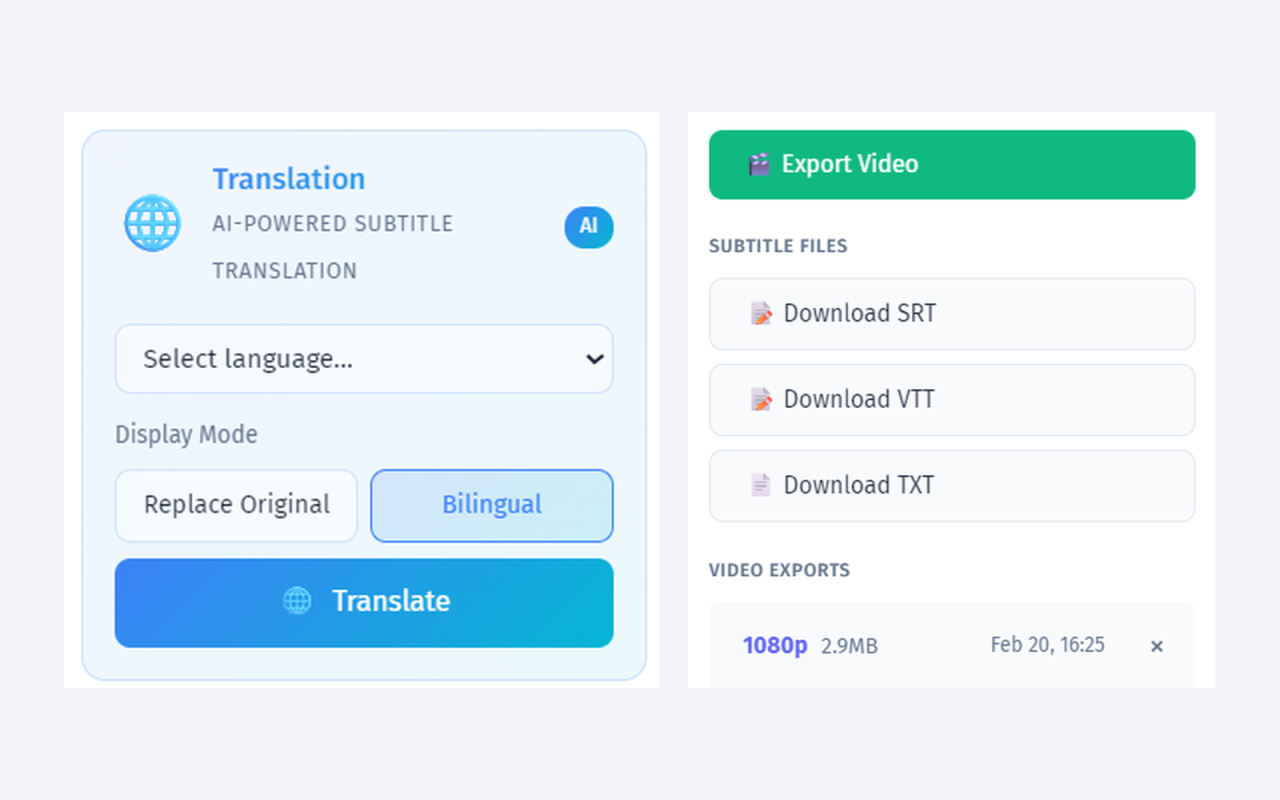
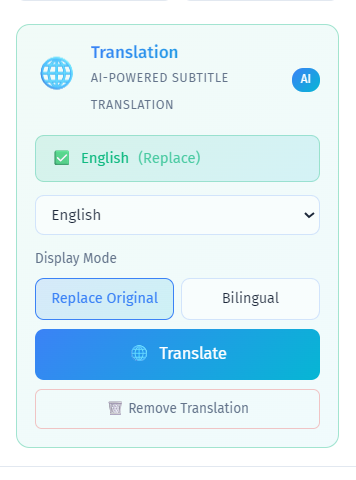
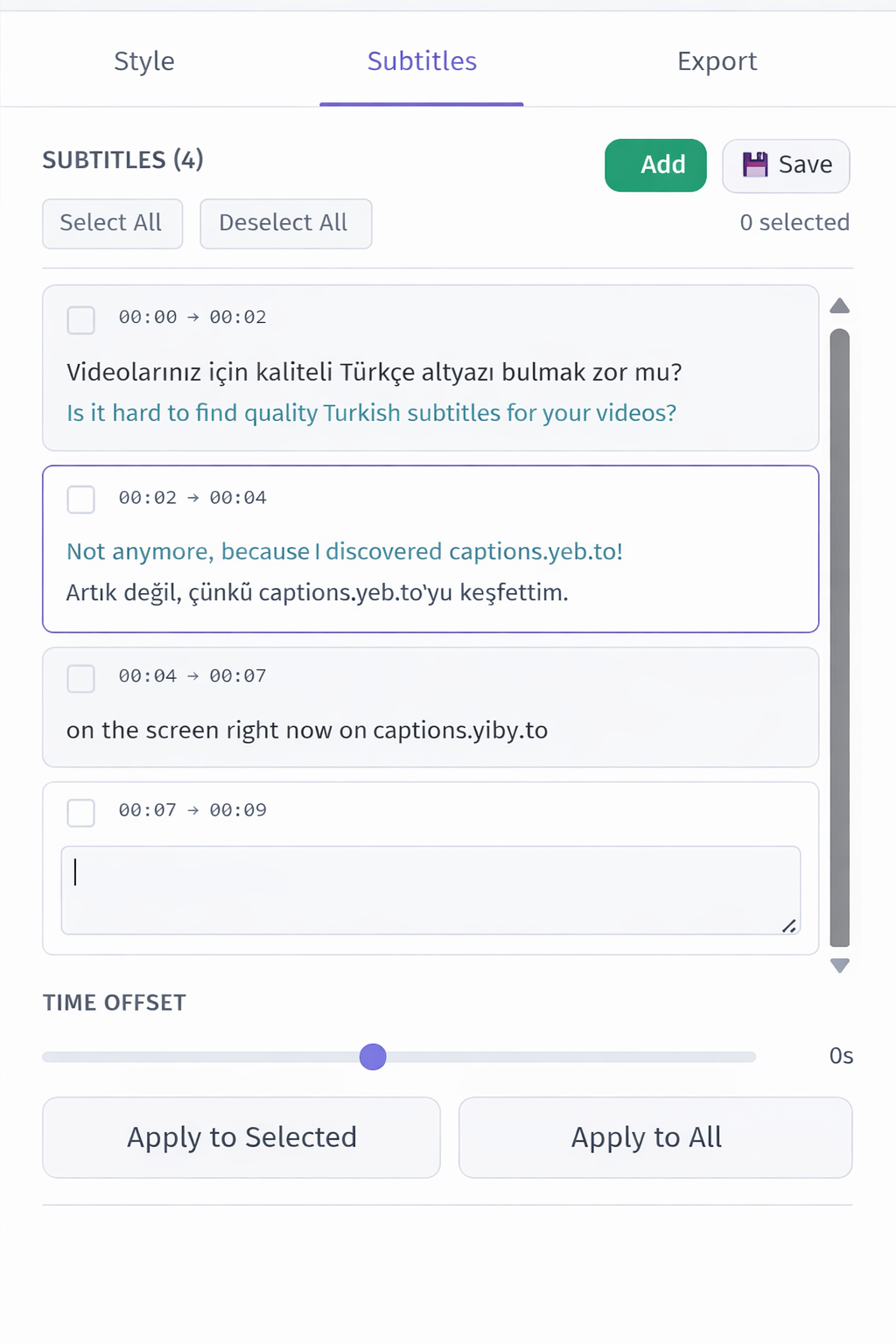
Bilingual subtitle display — original and translated text shown simultaneously with independent styling for each language.
Vocal isolation — AI separates speech from background noise before transcription. This alone can make the difference between usable and unusable captions on real-world video.
Free SRT/VTT/TXT export — download subtitle files for YouTube, Vimeo, Facebook, or any platform. Always free, no credits charged.
~$0.04/min pricing — pay only when you use it. No $12.99/month design suite subscription.
Using Both Together
Many creators use Canva for design and YEB Captions for subtitles. The workflow is simple:
- Create your video in Canva (or any editor)
- Export the video without subtitles
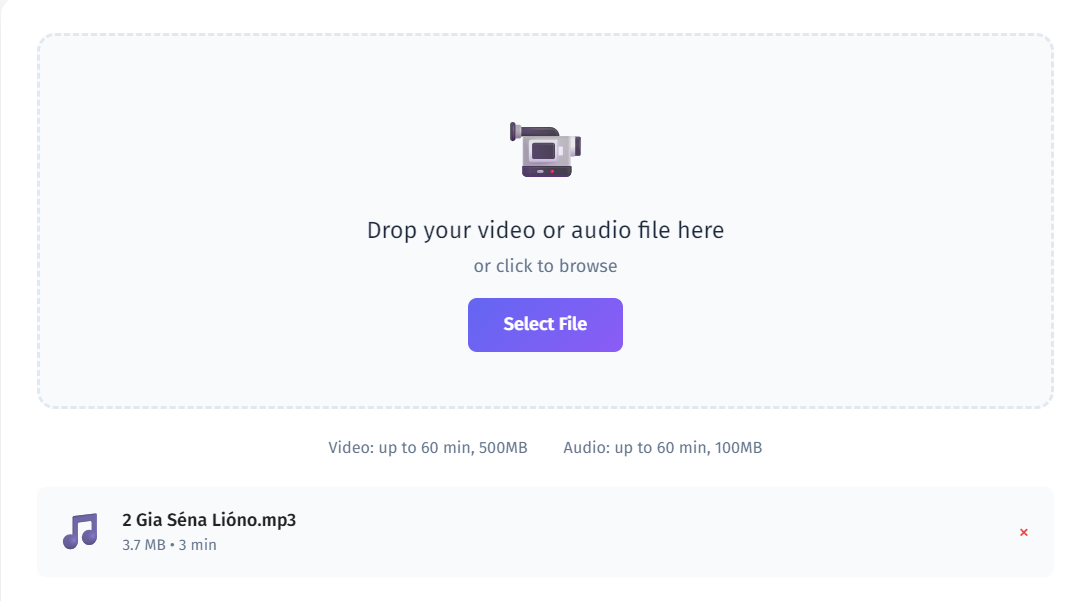
- Upload to YEB Captions for professional subtitle generation
- Export as captioned video or download the SRT file
This gives you Canva's design power with YEB's subtitle quality — often at a lower total cost than Canva Pro alone, especially if you're already on the free Canva plan.
Who Should Use YEB Instead of Canva for Subtitles?
- Anyone needing more than 18 languages — YEB supports 100+
- Professional content producers who need polished subtitle styling beyond Canva's basics
- Creators who need SRT files for YouTube, Vimeo, or accessibility
- Bilingual content creators who need two languages displayed simultaneously
- Budget-conscious users who don't want to pay $12.99/month for a design suite when they only need subtitles
- Anyone working with noisy audio who needs vocal isolation for accurate transcription