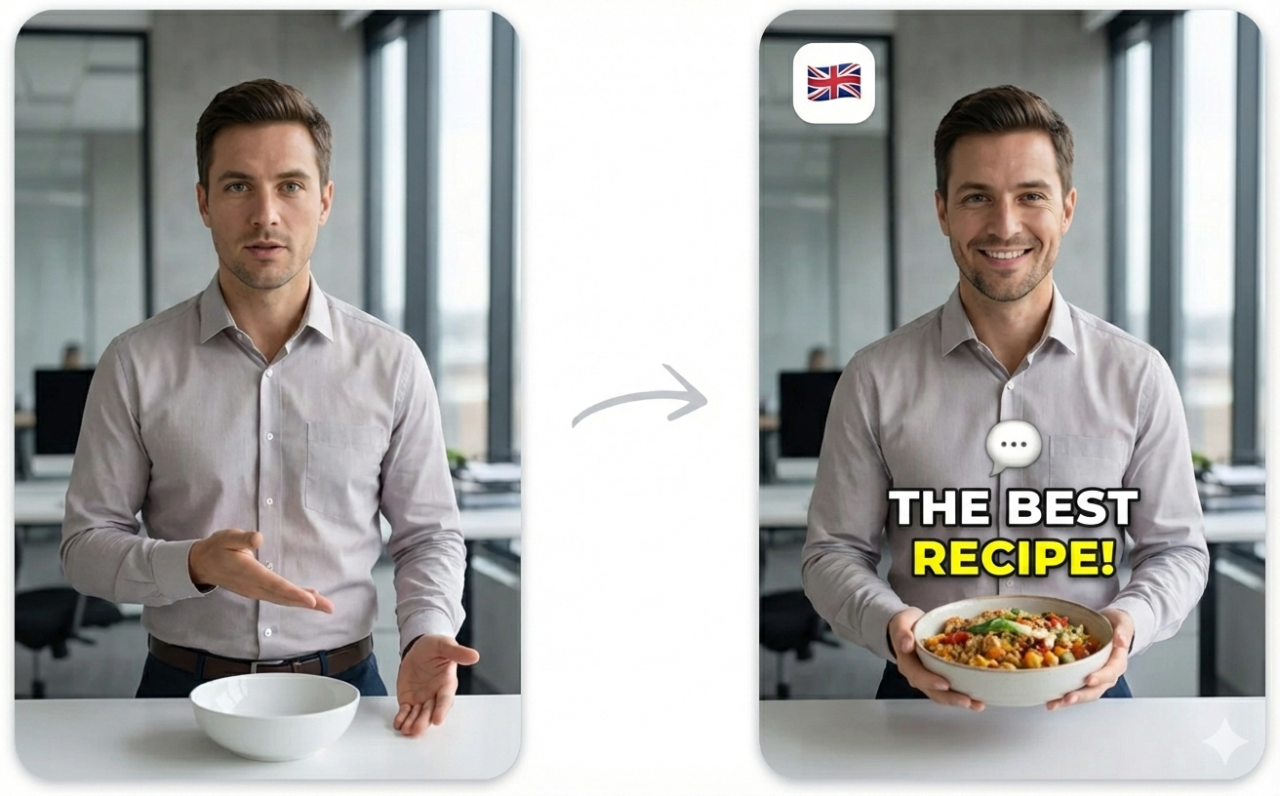

Captions (formerly known as Captions.ai) is a mobile-first AI video editing app that has gained significant popularity, especially on iOS. The app offers auto-generated subtitles, AI eye contact correction, background removal, teleprompter, and a range of editing tools — all designed for creators who film and edit on their phones.
The app's subtitle feature uses AI transcription with support for around 30 languages, and it offers several trendy caption styles that are popular on TikTok and Instagram Reels. For mobile creators who want a one-tap solution for stylized captions, Captions delivers a polished experience.
Where Captions.ai Falls Short
Despite its sleek mobile experience, Captions has notable limitations when it comes to subtitle quality and flexibility:
Language support tops out at around 30 languages. This covers major languages well but falls far short for creators working with less common languages. There's no support for many African, Southeast Asian, or Central Asian languages — and no bilingual subtitle display.
Font and style options are preset-based. You choose from a curated set of caption styles rather than configuring individual font, color, size, shadow, and position settings. This means every Captions user's subtitles tend to look the same — recognizably "made with Captions."
Mobile-only workflow. While this is a feature for some, it's a limitation for creators who work on desktop. There's no web app and no desktop application. If your editing workflow involves a computer, Captions doesn't fit.
Subscription pricing at $9.99/month ($99.99/year). The free tier adds a watermark and limits features significantly. For creators who only need subtitles occasionally, this monthly cost adds up for a tool you might use a few times per month.
No subtitle file export. You can't export SRT, VTT, or TXT files from Captions. The subtitles are burned into the video output only. If you need subtitle files for YouTube, Vimeo, or accessibility compliance, you need another tool.
No vocal isolation. Transcription accuracy suffers on videos with background music or ambient noise, which is common for content filmed in real-world environments.
How YEB Captions Compares
YEB Captions takes a fundamentally different approach — it's a web-based subtitle specialist that prioritizes quality, control, and language coverage:
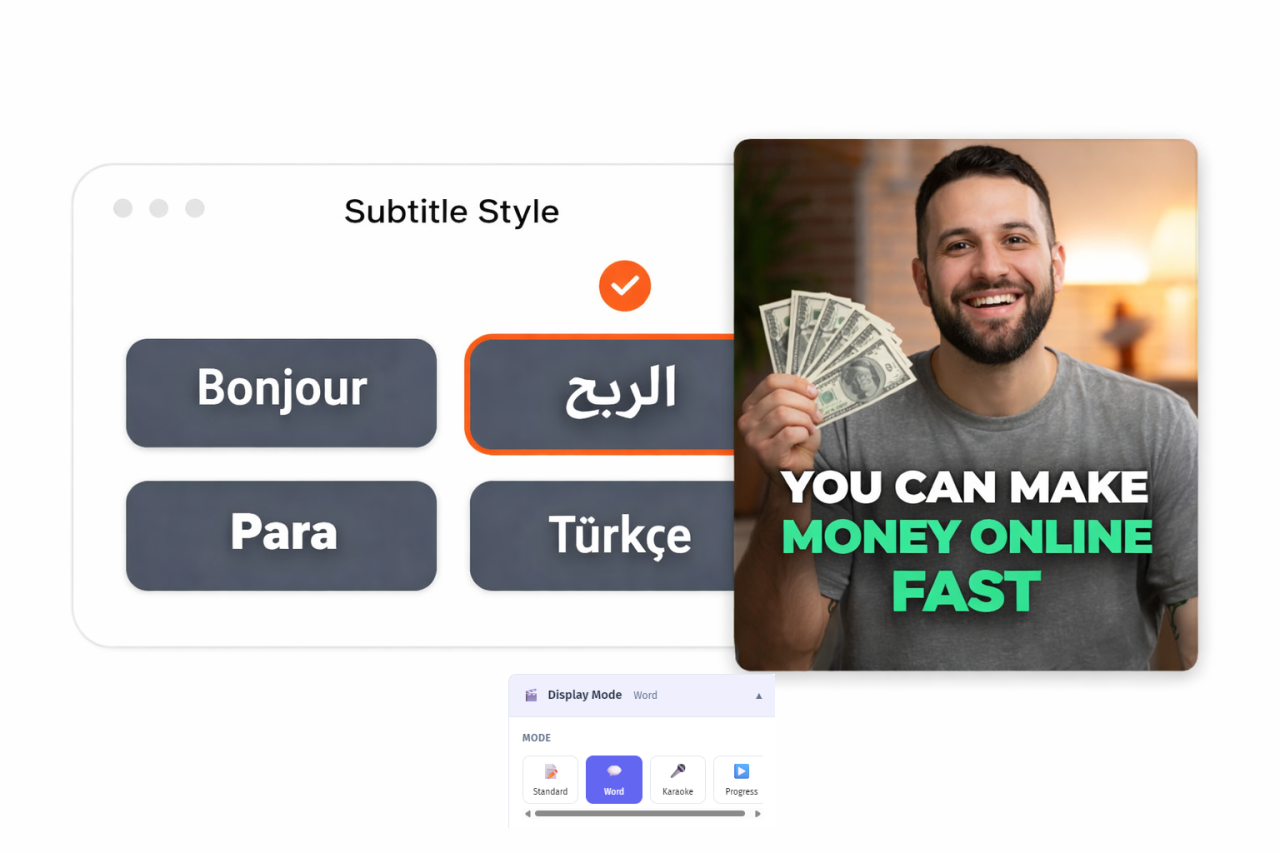
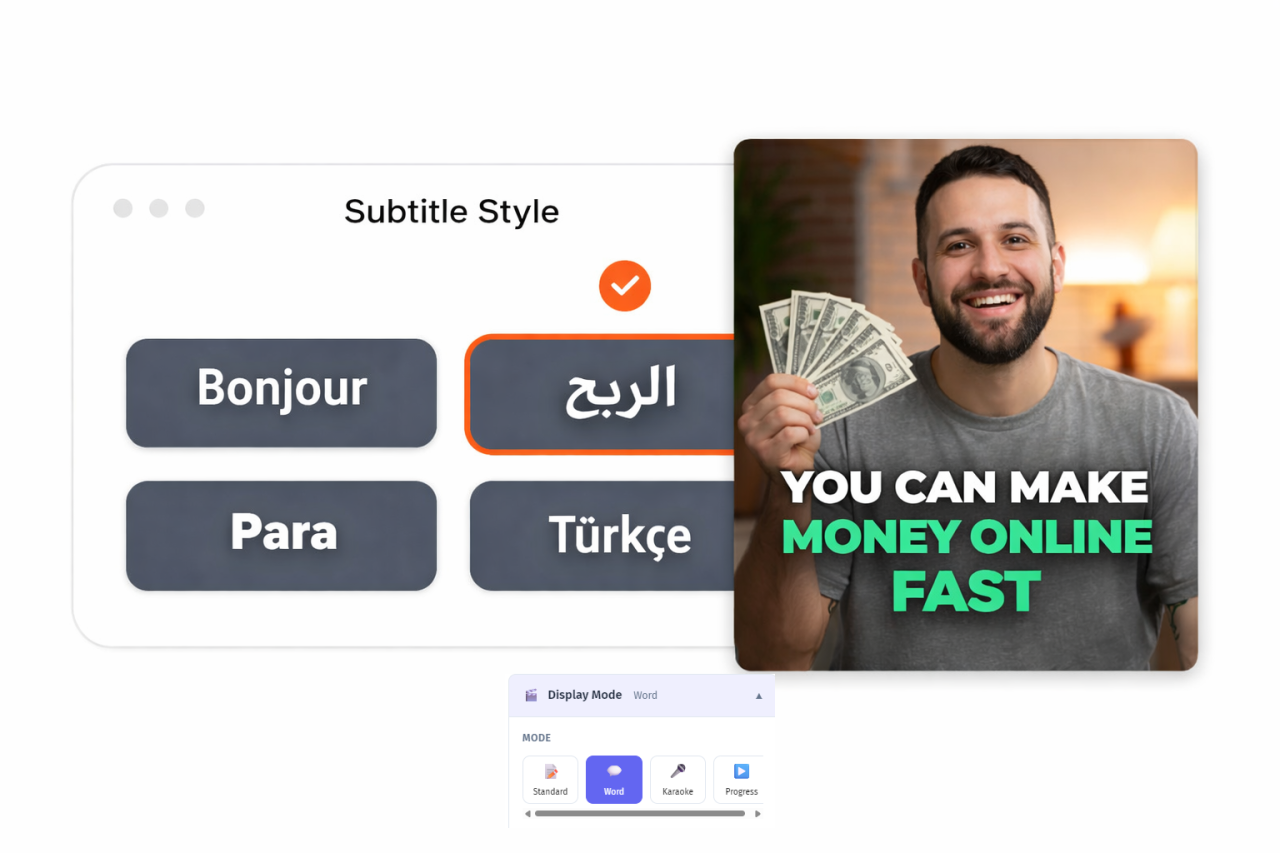
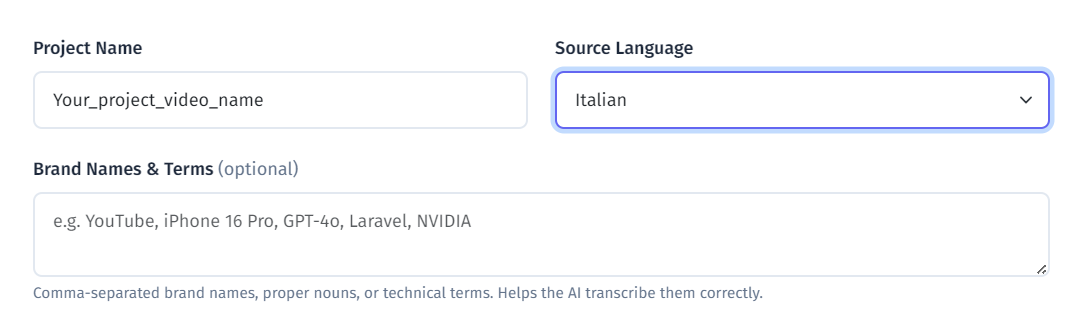
100+ languages with automatic detection. More than 3x the language coverage of Captions.ai. Whether your audience speaks Tagalog, Georgian, Amharic, or Malay, YEB handles it.
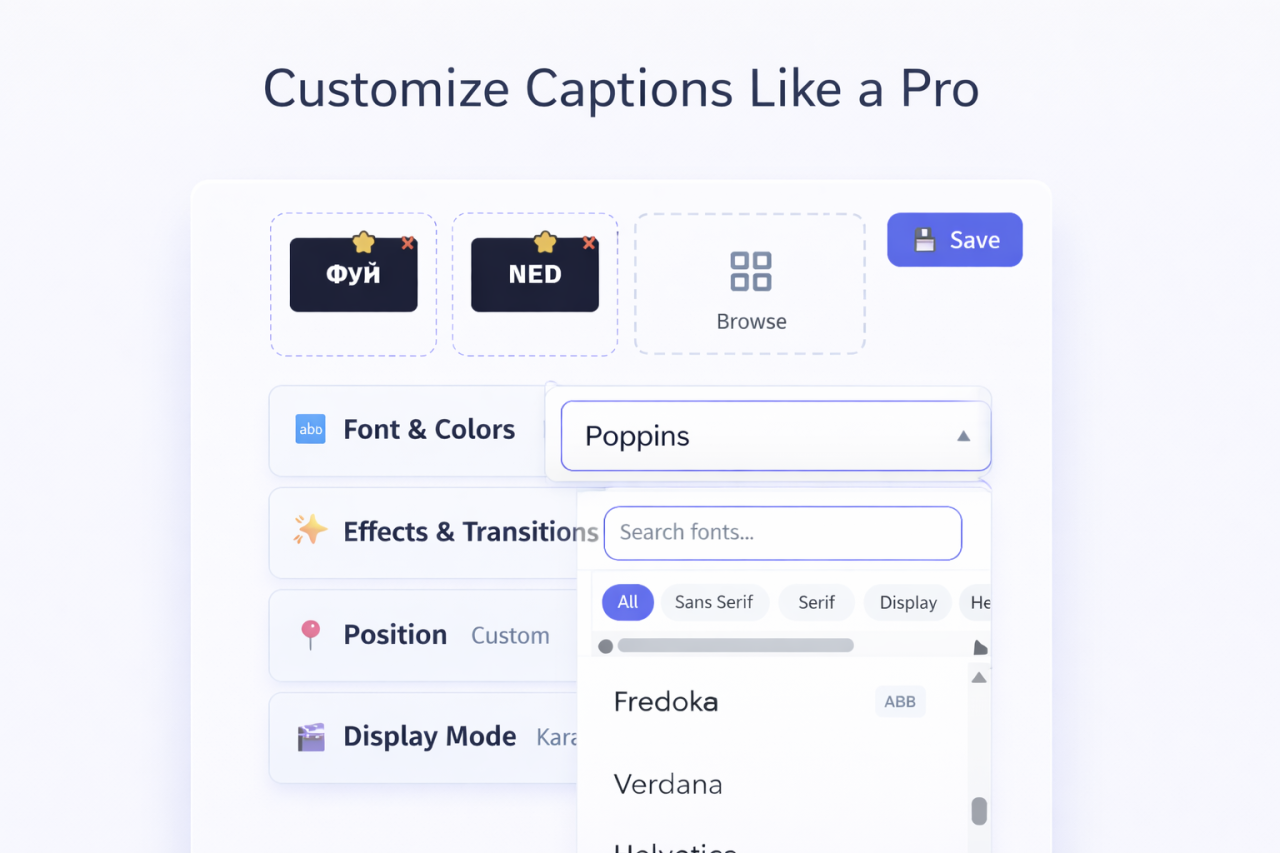
58 fonts across 5 categories with full control over colors, shadows, outlines, sizing, and positioning. Your subtitles look unique to your brand, not like everyone else's.
4 display modes — word-by-word highlighting, line-by-line, sentence, and karaoke. Each transforms how your captions feel and engage viewers.
16 transition effects — fade, slide, bounce, typewriter, pop, and more. Professional animations between caption segments.
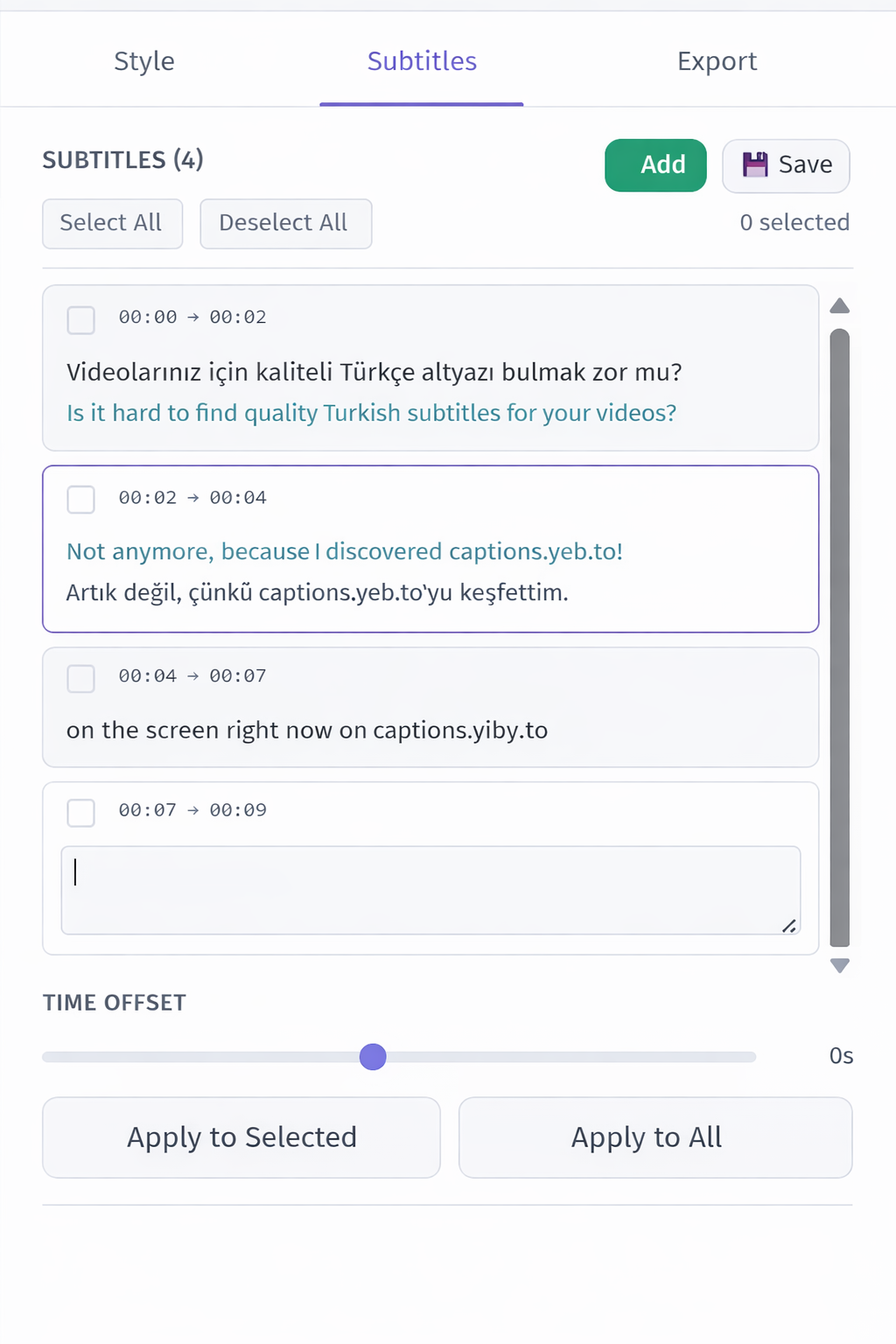
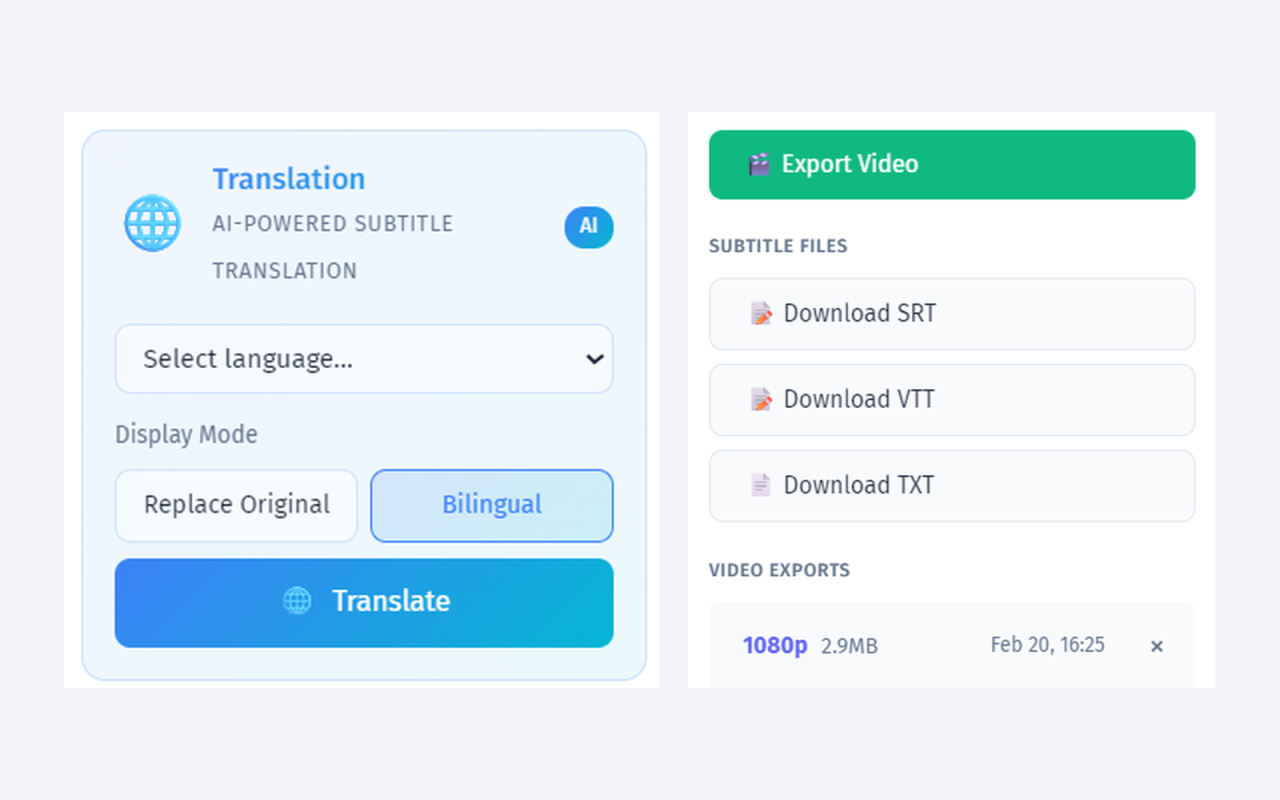
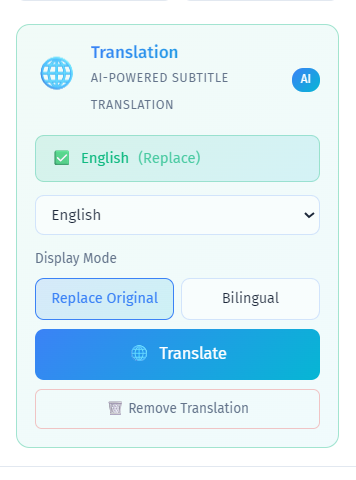
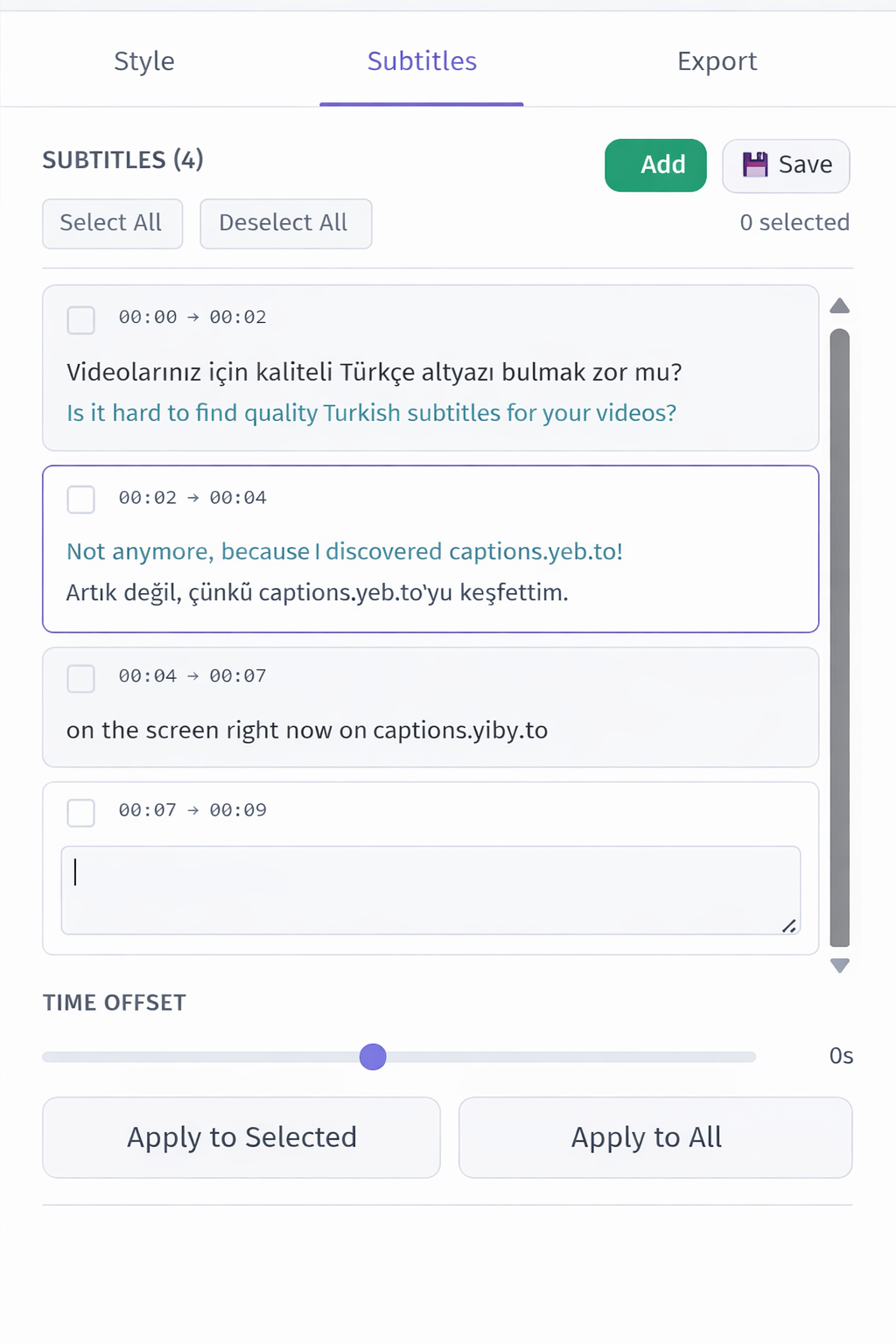
Bilingual subtitle display — show two languages simultaneously with independent styling. Invaluable for international content and language education.
Vocal isolation — AI separates speech from background noise before transcription, dramatically improving accuracy on real-world recordings.
Free subtitle file exports — SRT, VTT, and TXT downloads are always free. Upload them to YouTube, Vimeo, or any platform that supports closed captions.
Pay-per-use pricing at ~$0.04/min. No subscription, no watermark ever. A 5-minute video costs about $0.40 — compared to $9.99/month whether you use it or not.
The Mobile vs Web Trade-off
Captions.ai's biggest advantage is its seamless mobile experience — film, caption, and post without leaving your phone. YEB Captions is web-based, which means it works on any device with a browser but doesn't offer the same native mobile editing experience.
For creators whose entire workflow is phone-based (TikTok, Reels, Stories), Captions.ai's mobile-first approach has genuine appeal. But for anyone who edits on a computer, works with longer content, needs subtitle files, or requires professional-quality caption styling, YEB Captions is the superior choice.
Who Should Switch to YEB Captions?
- Desktop editors who need a web-based subtitle tool, not a mobile app
- Multilingual creators working with languages beyond Captions.ai's 30
- Professional producers who need full control over subtitle styling
- Budget-conscious creators who don't want a $9.99/month subscription for occasional use
- Anyone who needs SRT/VTT exports for YouTube, Vimeo, or accessibility
- Creators filming in noisy environments who need vocal isolation for better accuracy