You download a stock photo to test in your design, and the preview watermark covers exactly the area you need clean. You have an old photo that a free editing tool stamped with its logo years ago, and the original is long gone. A client sends back photos from a watermarked proof gallery and asks you to use them in a presentation.
Removing a watermark from an image is one of those tasks that sounds simple but gets complicated fast. A basic crop might work if the watermark is in the corner, but most watermarks sit right in the middle of the image. The clone stamp tool in Photoshop works but takes forever, especially on complex backgrounds.
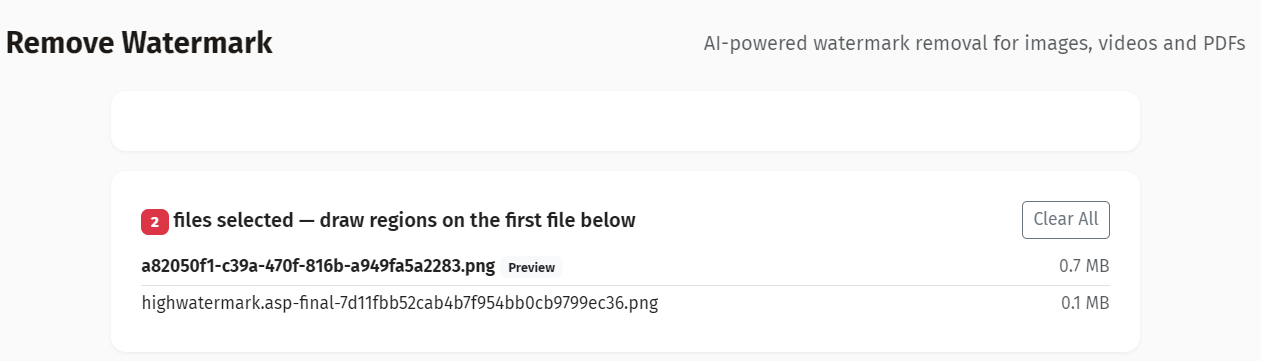
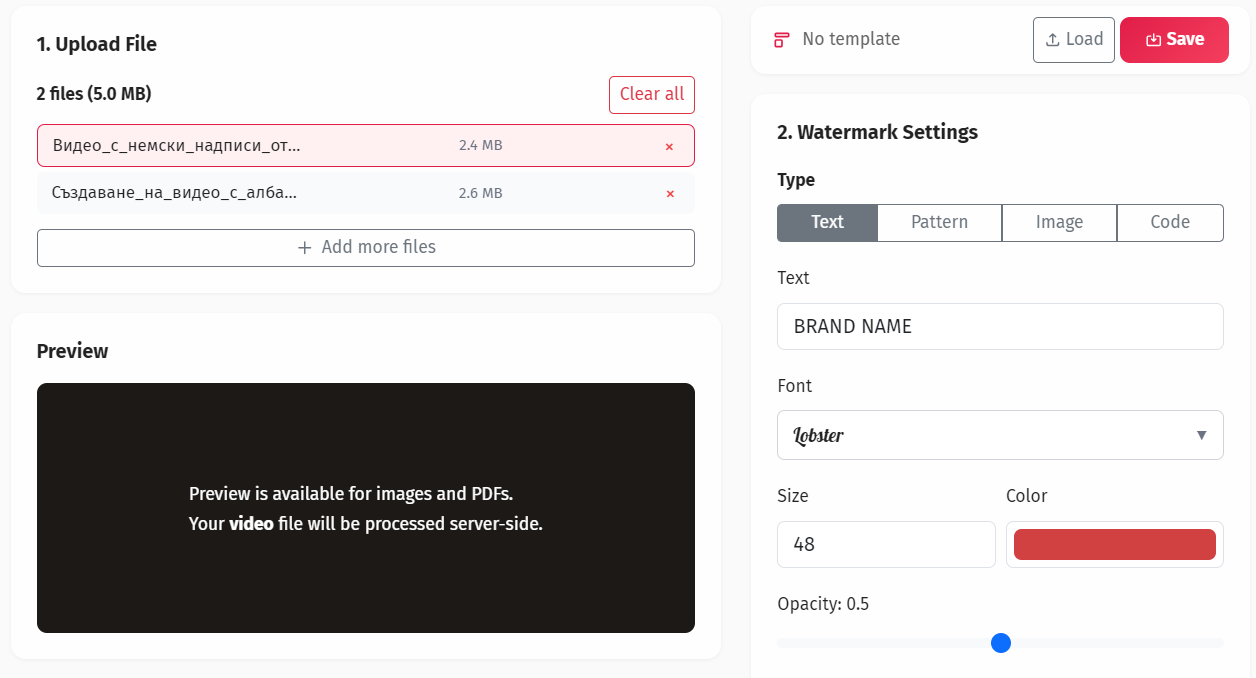
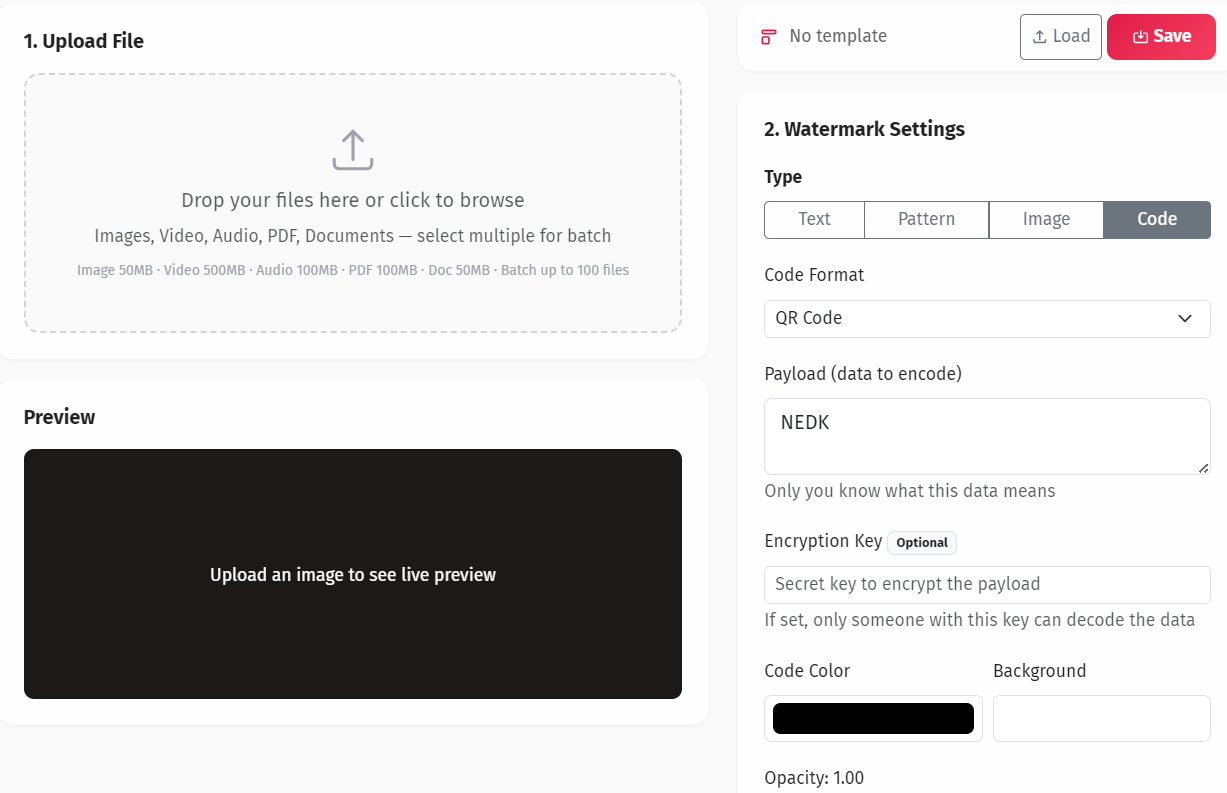
YEB Watermark's removal tool uses pixel reconstruction to fill in the watermarked area based on surrounding content. Select the region, let the tool analyze the surrounding pixels, and it generates a clean version. Best results on semi-transparent text and small logos over consistent backgrounds. Supports JPEG, PNG, WebP, TIFF, and BMP.